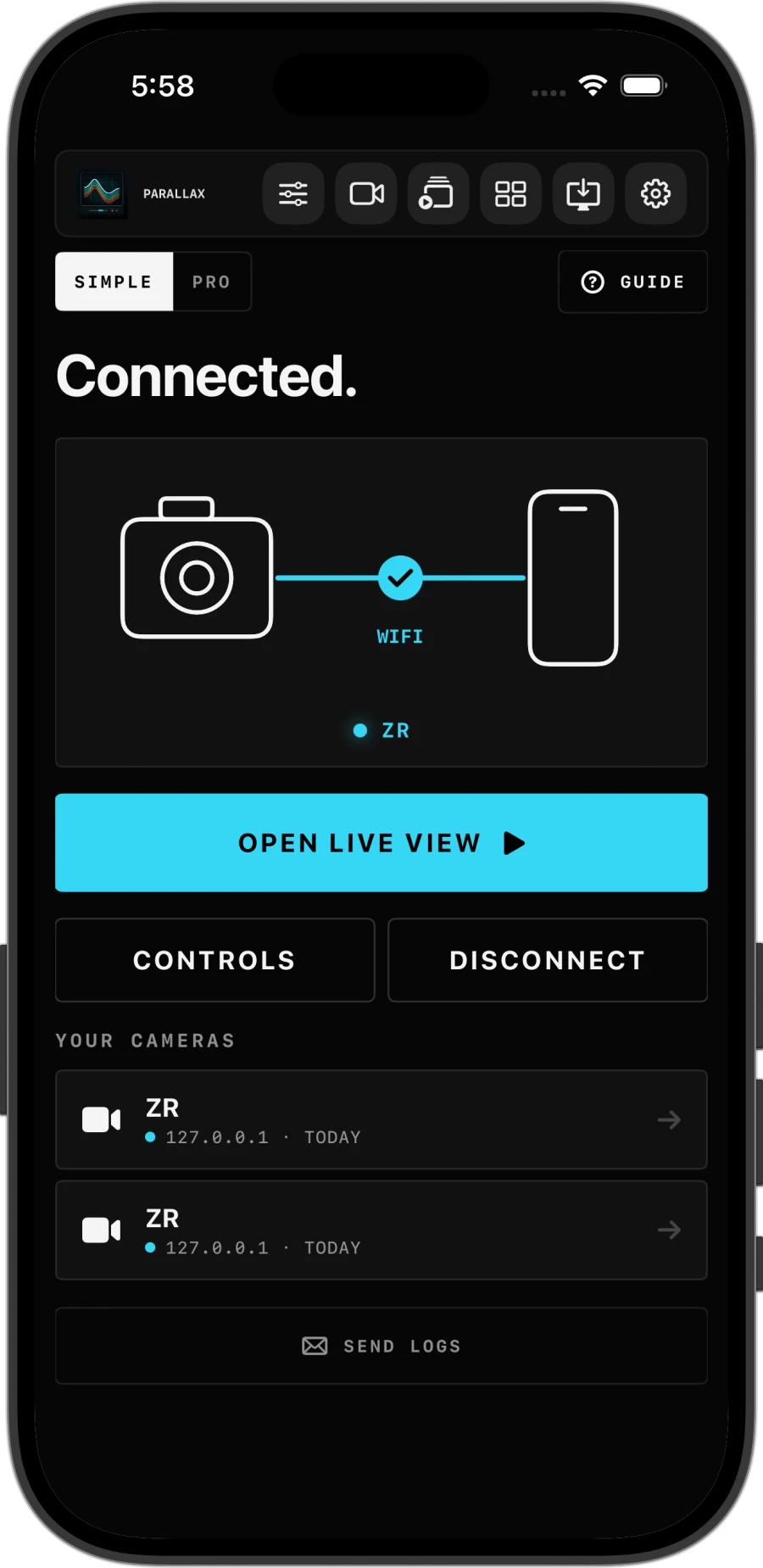
Parallax Monitor · Nikon Z remote monitor

Take fullcontrol. The ultimate remote monitor & control app for Nikon ZR, Z8, Z6III & Z-series cameras.

Scopes, LUTs, focus pulls, framing, audio, playback — and a full stills mode — from the iPhone, iPad or Android device already on your rig. On Android, Parallax Monitor was formerly ZR Ctl.

4.9 App Store rating 28 US ratings
Download on the App Store Get it on Google Play See the features
REC 00:00:00:00
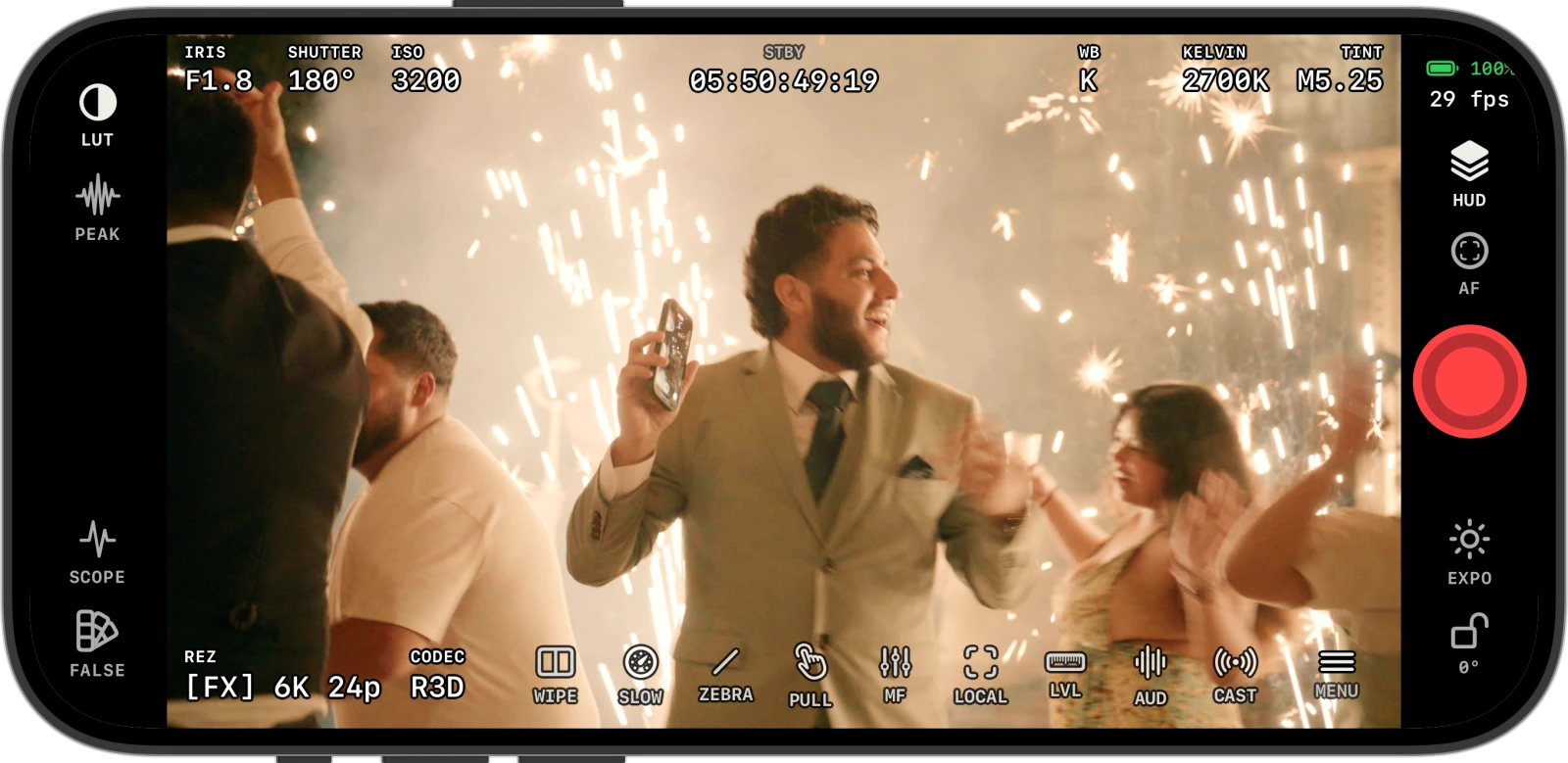
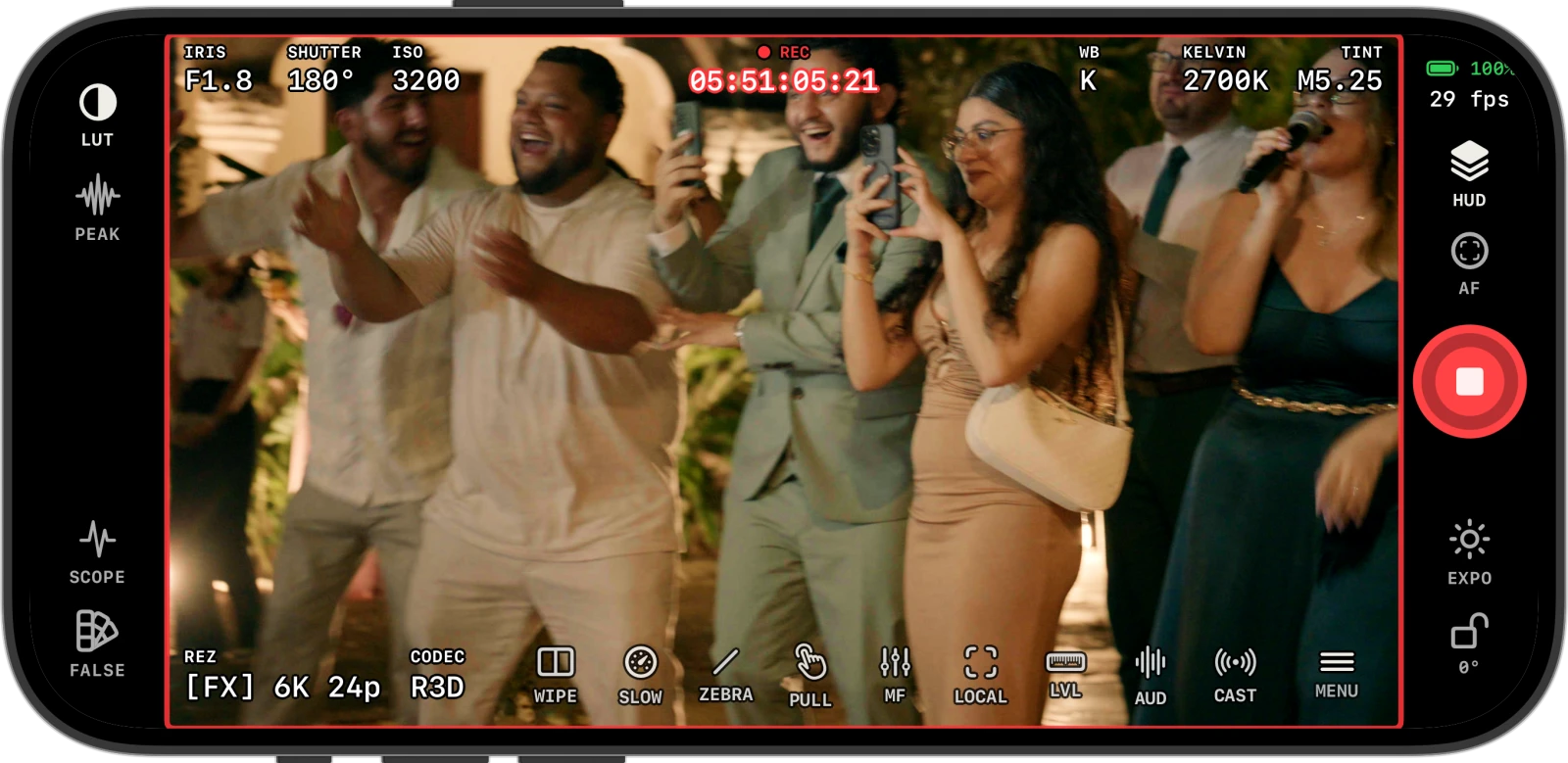
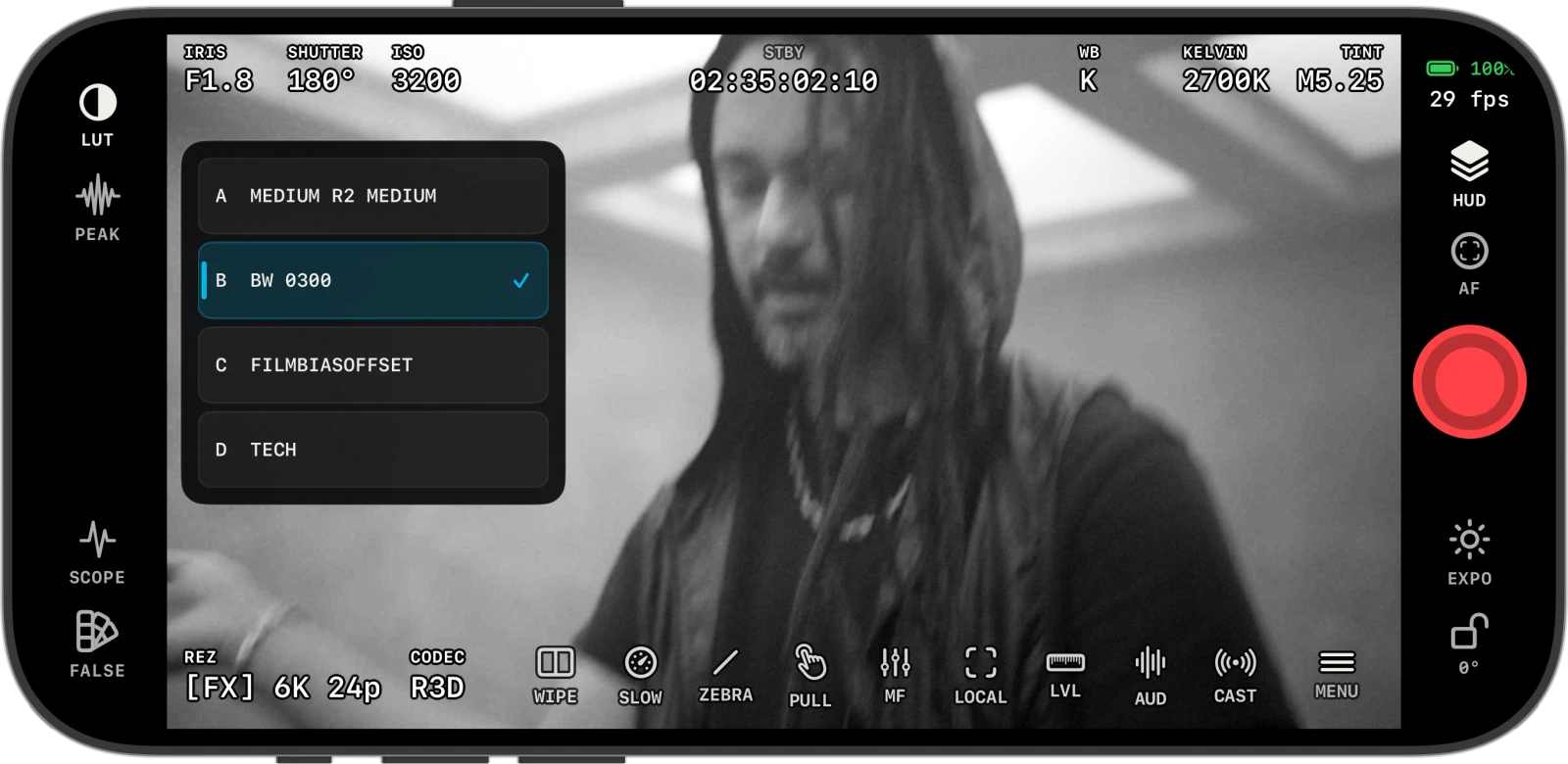
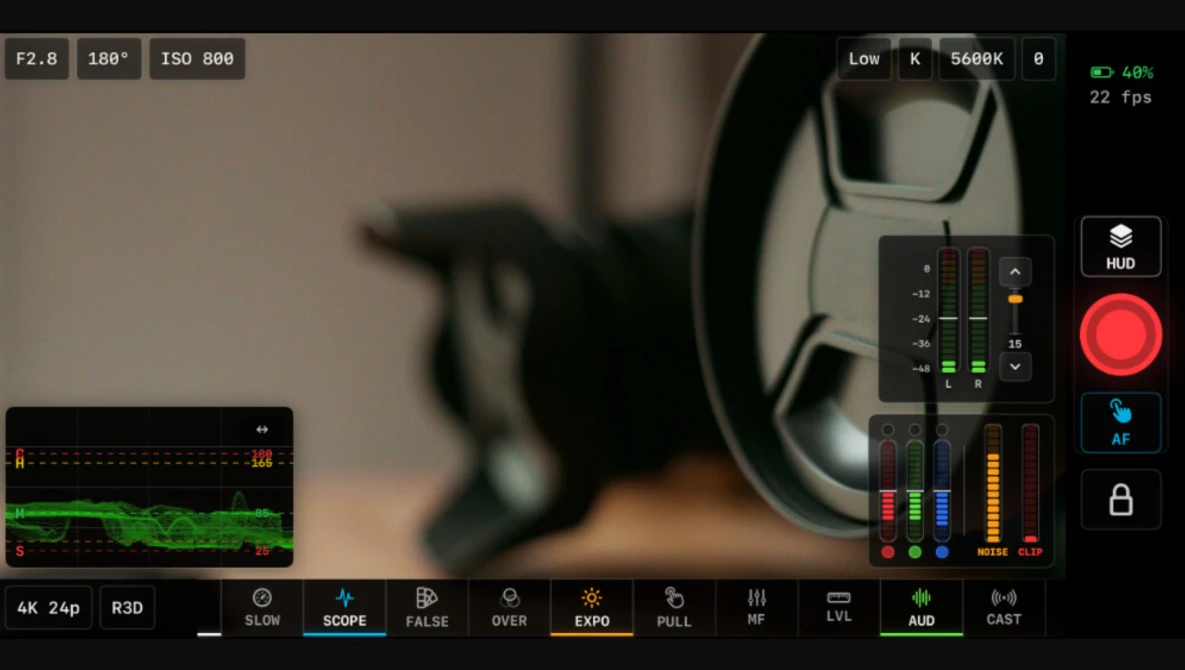
Live view · Actual app footage R3D NE · LOG3G10 · 23.976 Shot on Nikon ZR — monitored on Parallax Monitor
40+Camera controls
4Ways to connect · USB · Hotspot · WiFi · AP
5Platforms · iOS · iPad · Android · Quest 3 · Accsoon
30Day refund promise
"Even in beta, this feels beyond what the camera companies ship themselves."Nikon Filmmaker "Nikon dev team needs to hire you!"r/NikonFilmmakers "So many advantages over the Nikon built-in monitor."ZR Shooter "You are a godsend."r/NikonFilmmakers "The latest version of ZR CTL is incredible."Nikon Z Cinema Group "Connected instantly with my Z8."Z8 User "No issues to speak of at all — so far it's simply ideal."Z6III Android Tester "This is a brilliant project."r/NikonFilmmakers "Whoever hasn't tried it yet — do it!"Nikon Z Community "Even in beta, this feels beyond what the camera companies ship themselves."Nikon Filmmaker "Nikon dev team needs to hire you!"r/NikonFilmmakers "So many advantages over the Nikon built-in monitor."ZR Shooter "You are a godsend."r/NikonFilmmakers "The latest version of ZR CTL is incredible."Nikon Z Cinema Group "Connected instantly with my Z8."Z8 User "No issues to speak of at all — so far it's simply ideal."Z6III Android Tester "This is a brilliant project."r/NikonFilmmakers "Whoever hasn't tried it yet — do it!"Nikon Z Community

Try it here

The monitor,
live in your browser.

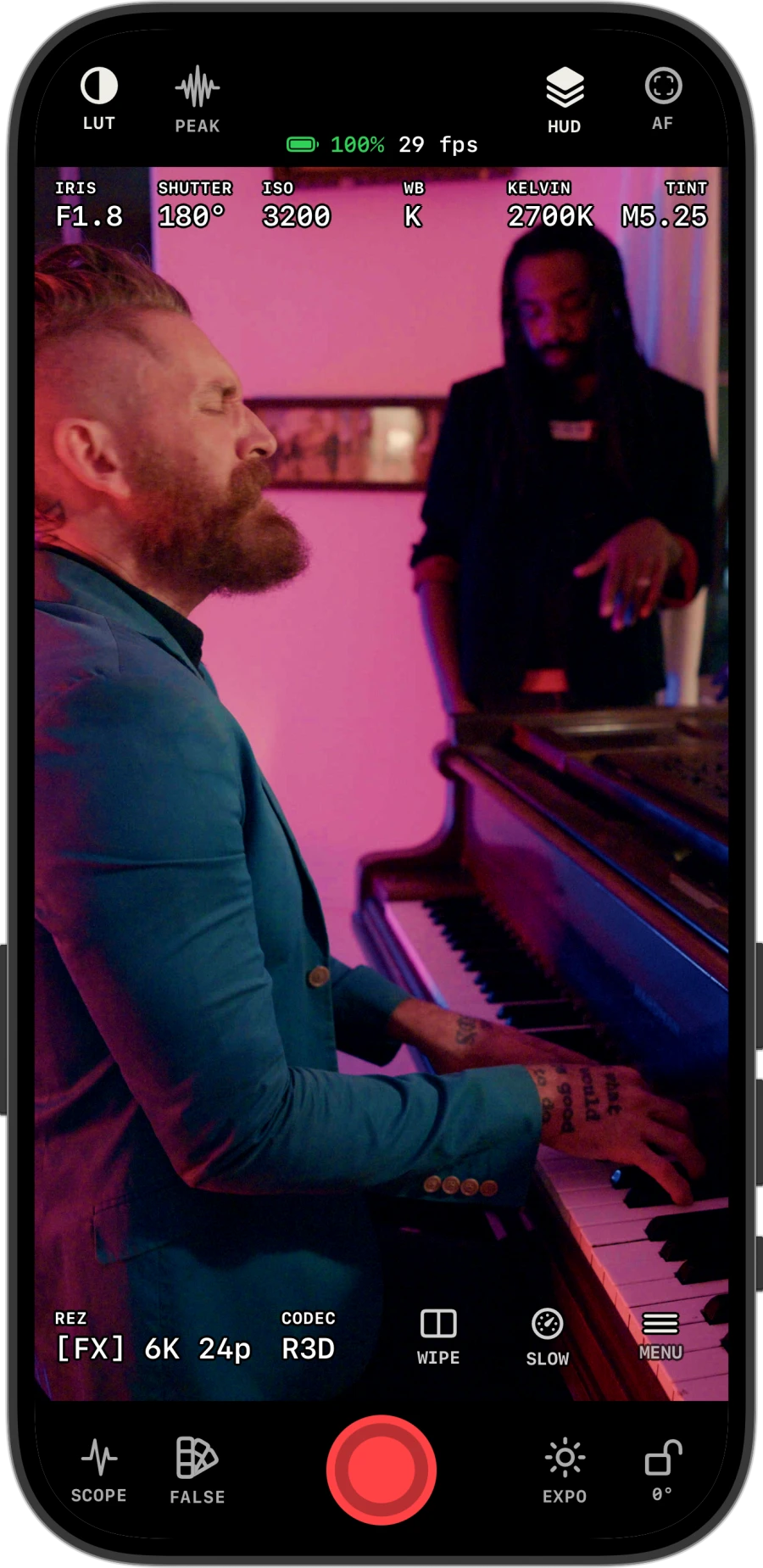
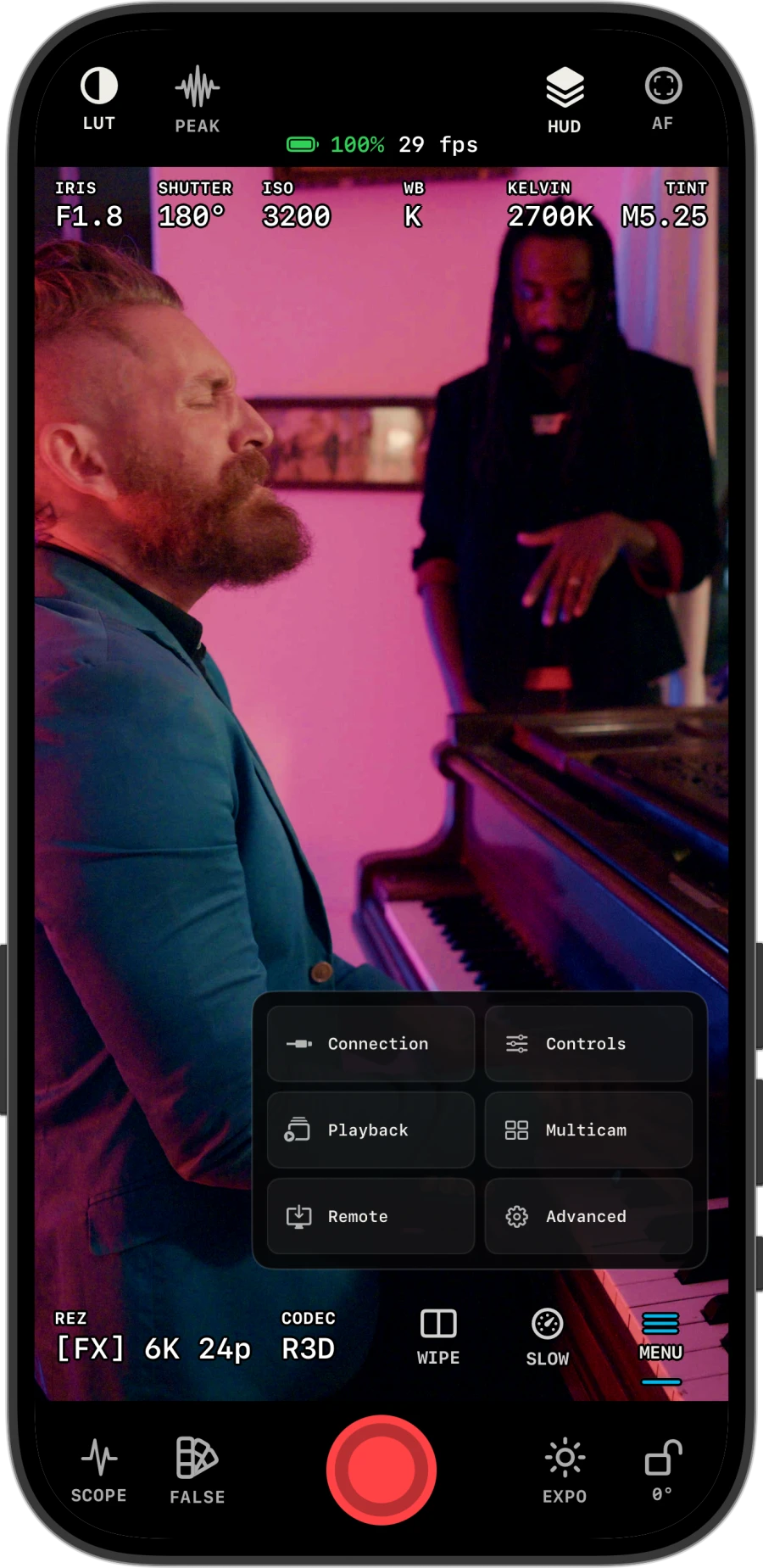
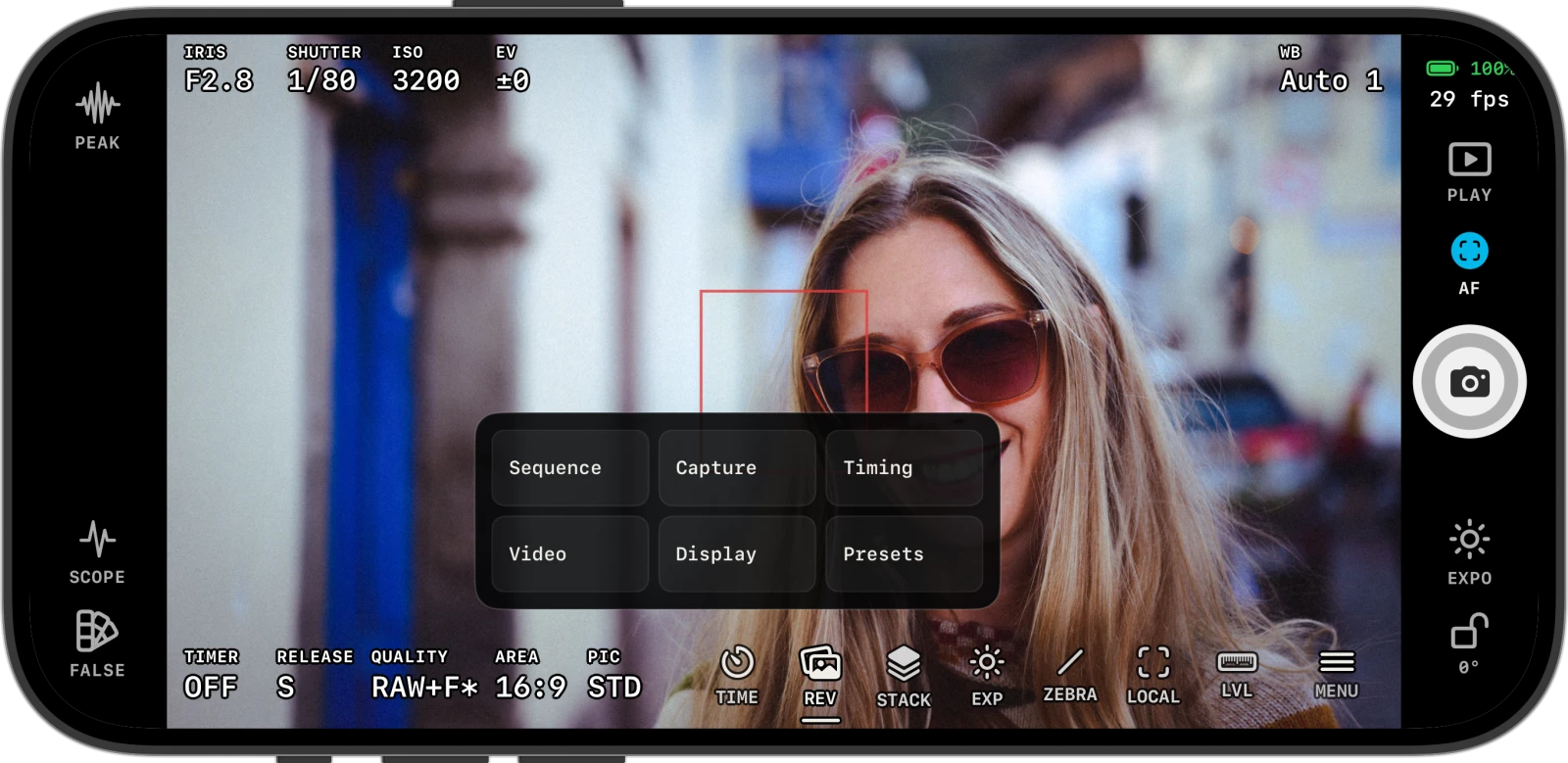
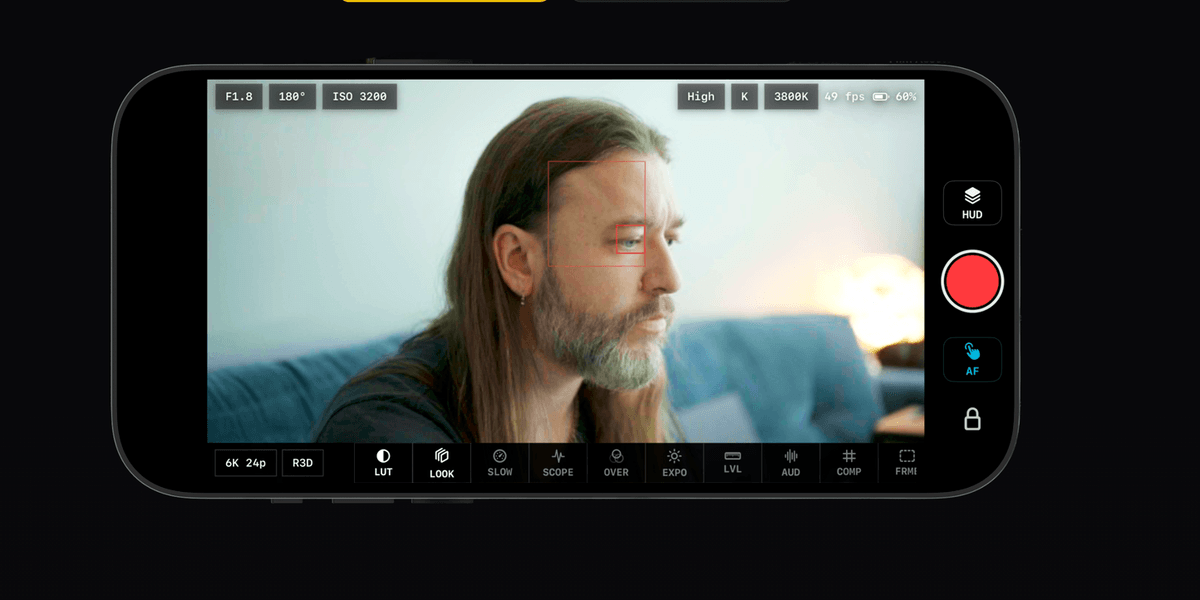
Real log footage from a Nikon ZR, with the app’s own looks and exposure tools running on it right here. Tap any tool on the phone.
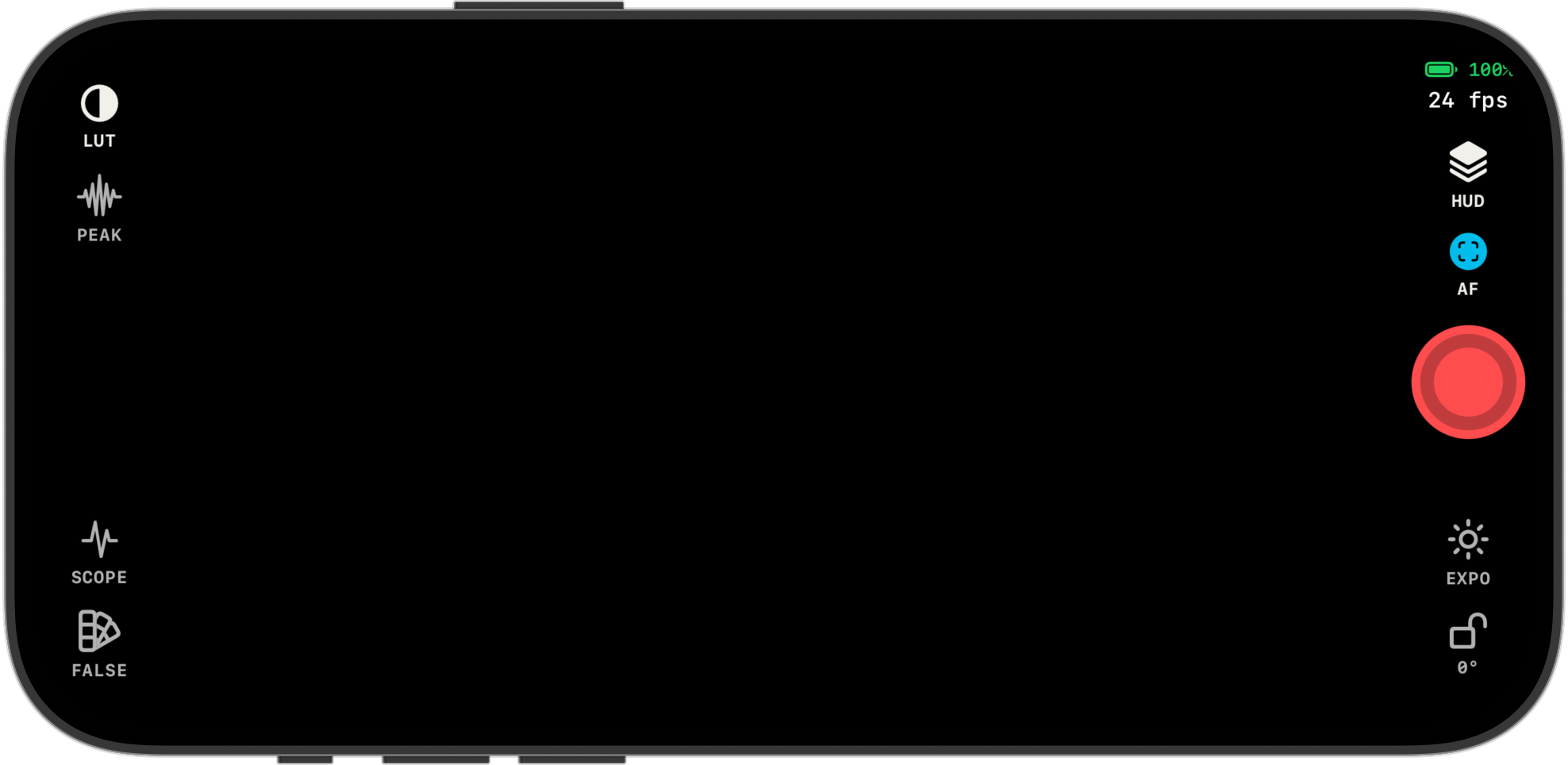
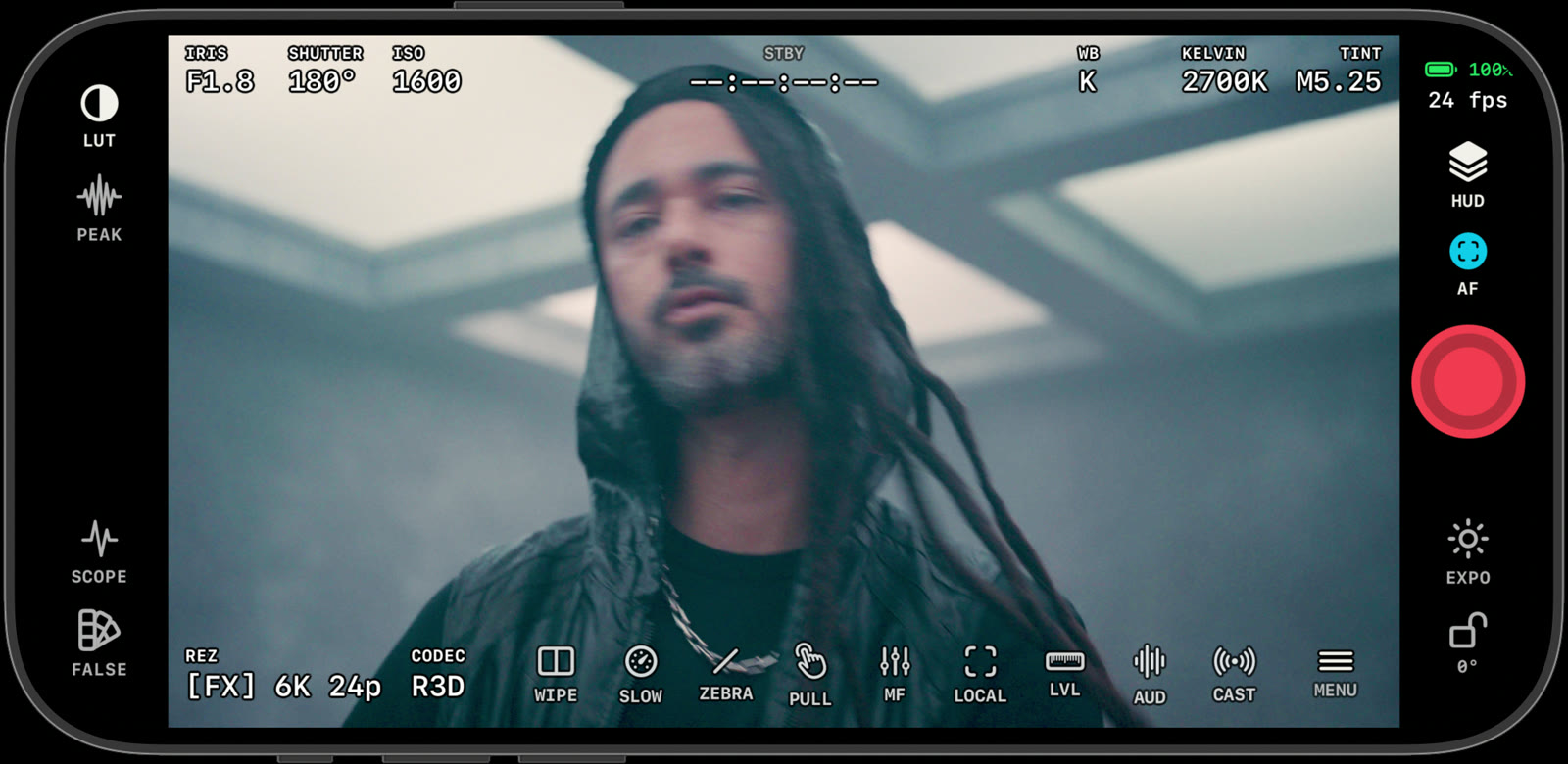
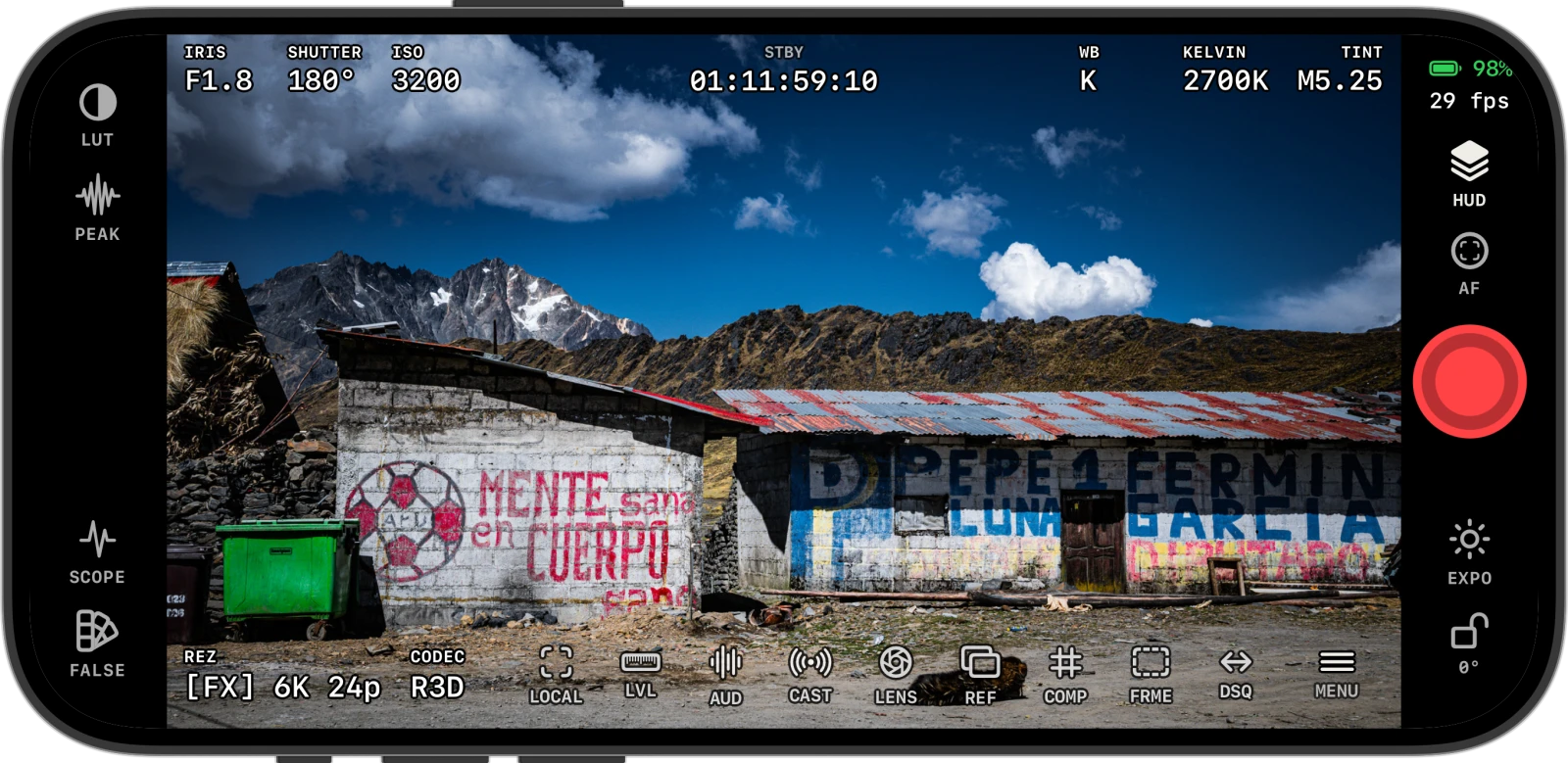
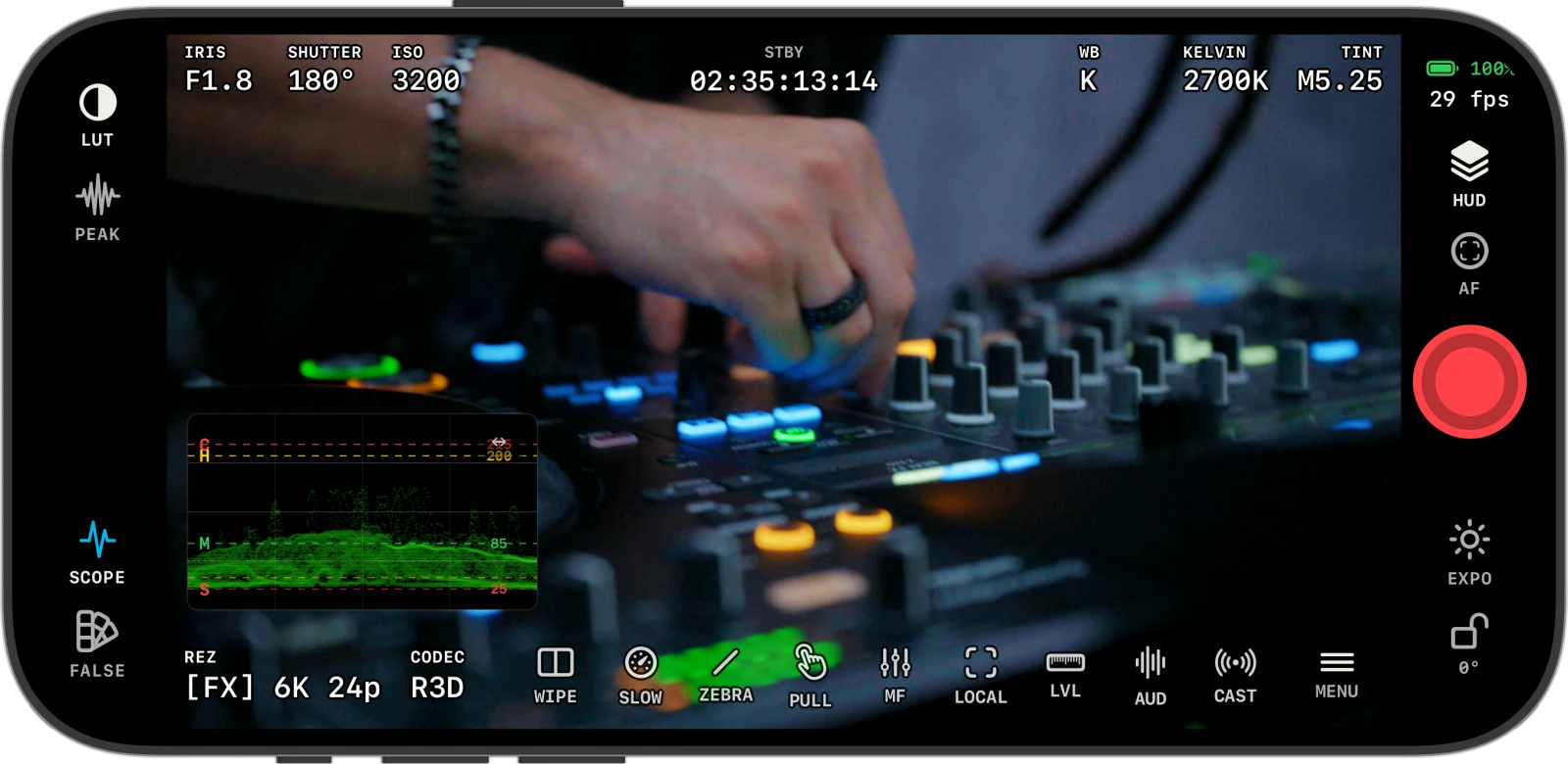
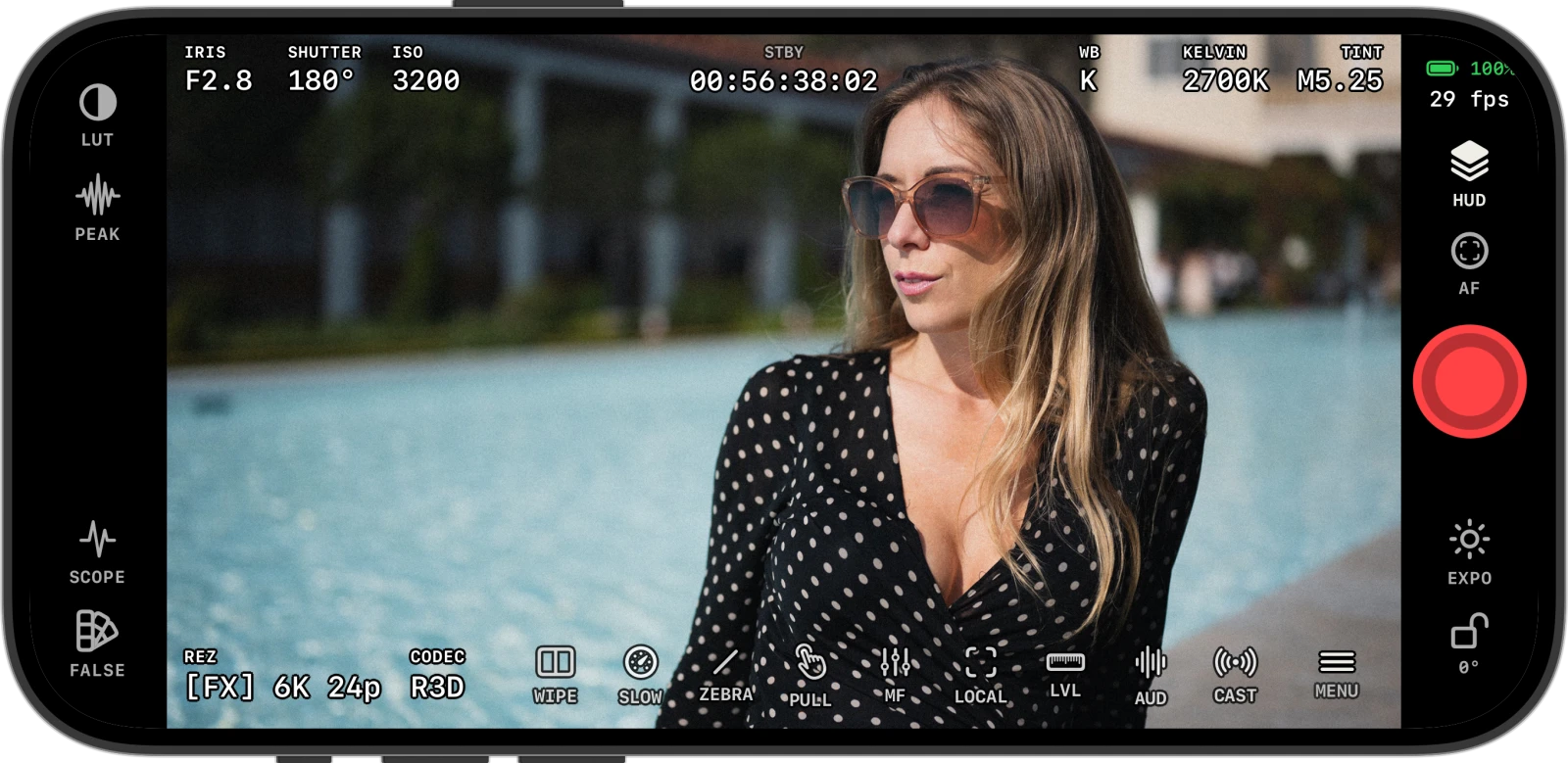
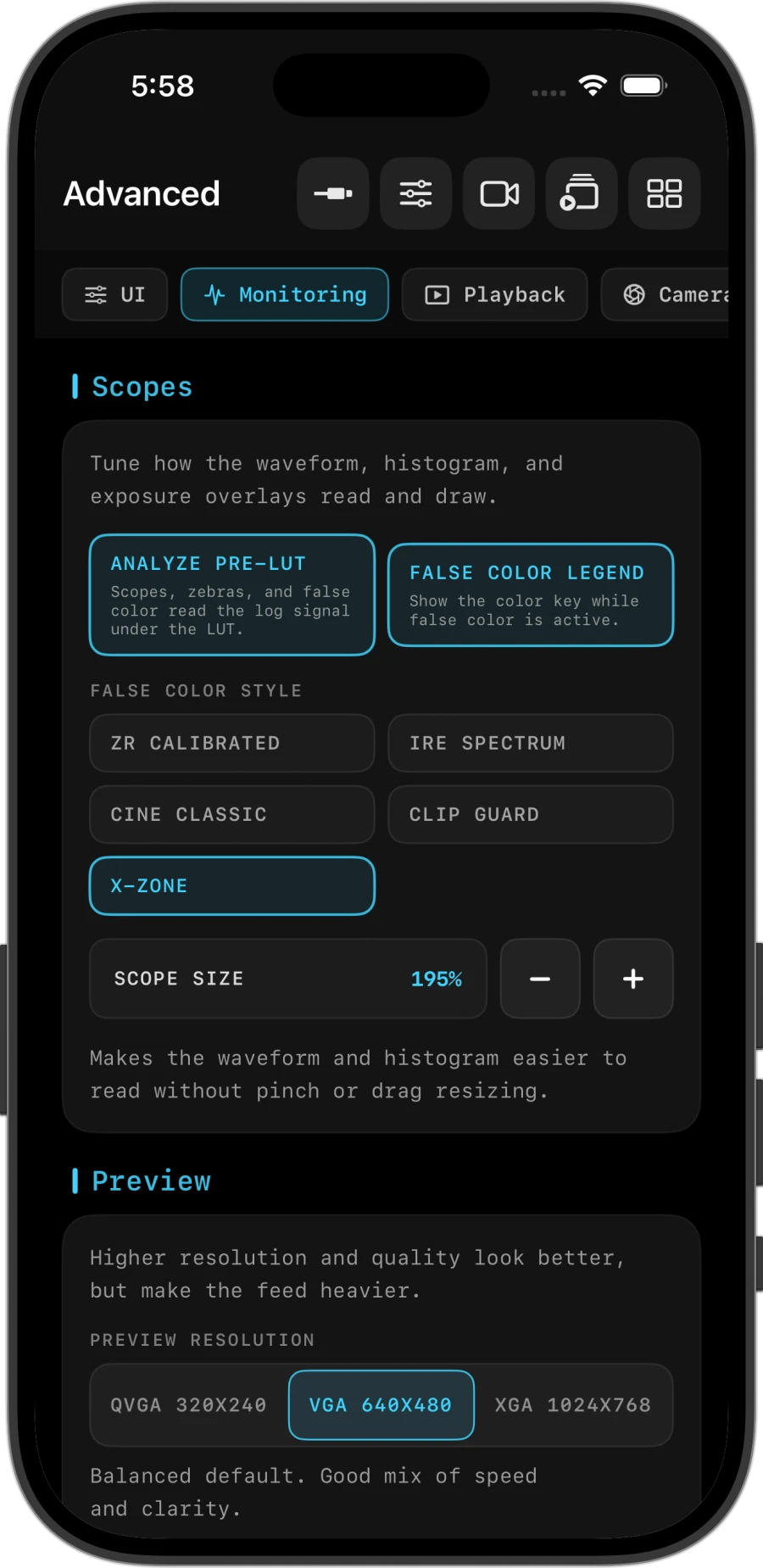
Parallax Monitor running on an iPhone Parallax Monitor live view with a LUT applied
STBY--:--:--:--

A working model of the monitor · shot on Nikon ZR · R3D
App Store Ratings & Reviews

iPhone & iPad

Parallax Monitor App Store reviews

4.9 ★★★★★

28 US ratings · Live from the US App Store

See all reviews

Loading reviews

Public US App Store reviews

From Google Play

Klaus ZeuchOct 24, 2026
★★★★★

Another world of functions

“compared with Nikon Snapbridge: it's another world of functions and way more stable (if you own one of the supported Z cameras)”

Version 2.1.7 · Google Play review

Sinisa ZecJul 9, 2026
★★★★★

An essential tool for my setup

“You get full control of your Nikon Z Camera, the live view is incredible, and it provides everything you need for a professional workflow. … It's perfectly responsive and has become an essential tool for my setup.”

Nikon Z6III · Google Play review

Philip ParkAug 14, 2026
★★★★★

Plug and play with my Z8

“Works perfectly plug&play with my Z8”

Version 1.4.0 · Google Play review

Supported cameras

Nikon Z and RED.

Nikon ZFull control
ZRZ8Z9Z6IIIZfZ5IIZ50II

Every tool and the full video control set: codec, frame size and rate, shutter angle, autofocus, audio and timecode.

Nikon ZCore control
Z6IIZ7IIZfcZ30

Monitoring with every tool, plus the basic exposure controls.

Nikon ZMonitoring
Z5Z6Z7Z50

First-generation bodies. A monitor first, with control where the camera allows it.

REDEarly access
KOMODOKOMODO-XV-RAPTORV-RAPTOR XL

Live view, camera controls, LUTs, playback and Multicam over Wi-Fi or a USB-C tether.

What your camera reports decides which controls you get. Read the camera guide or tell us how yours behaves.

What’s inside

562 features.
One app.

Parallax Monitor has grown far past a remote monitor. These are the twelve areas that matter most on set, in the order we would show them to a friend.

01
31items

Exposure tools

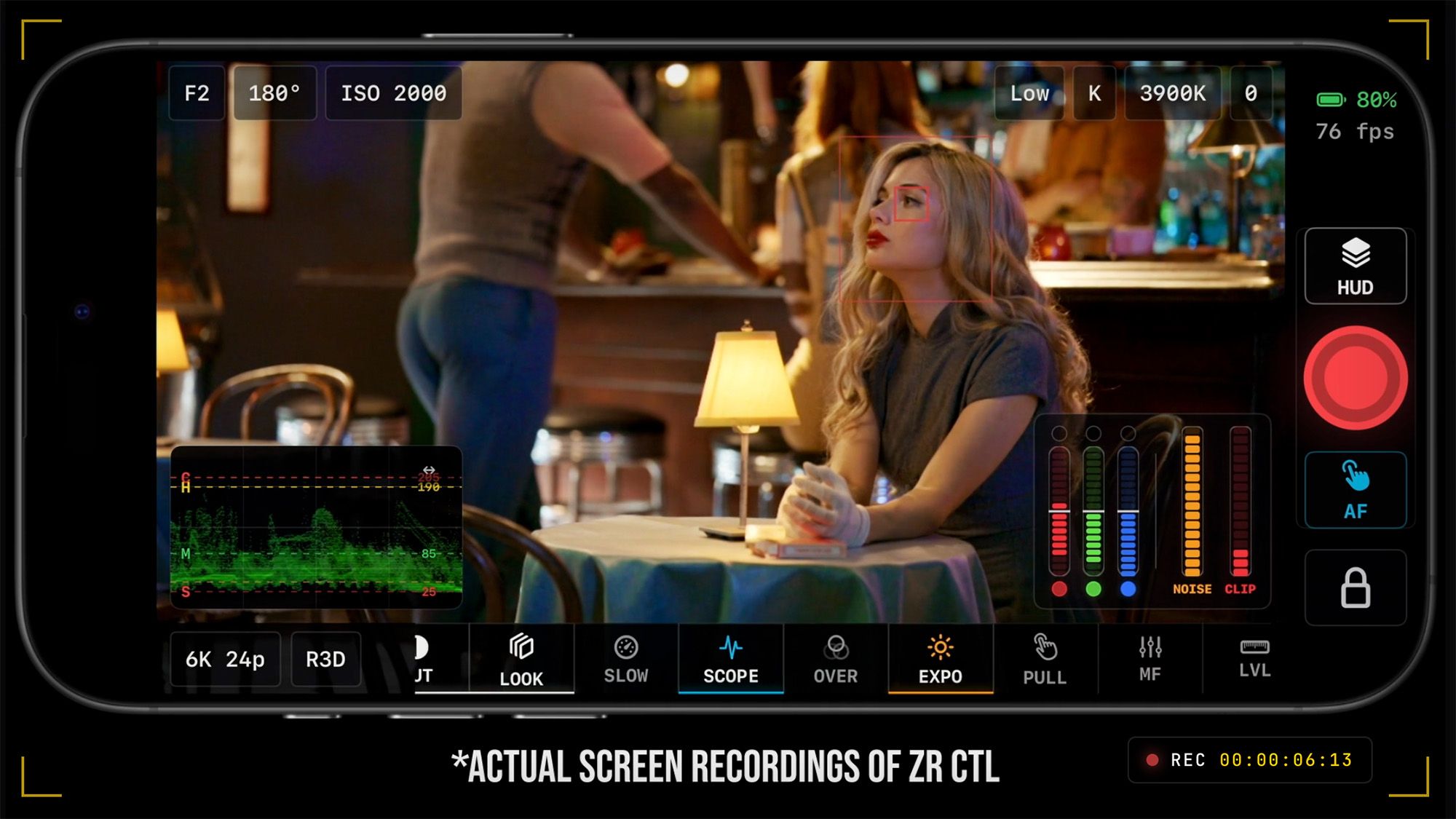
Scopes that know your log curve.

  • Waveform, RGB parade, vectorscope and histogram
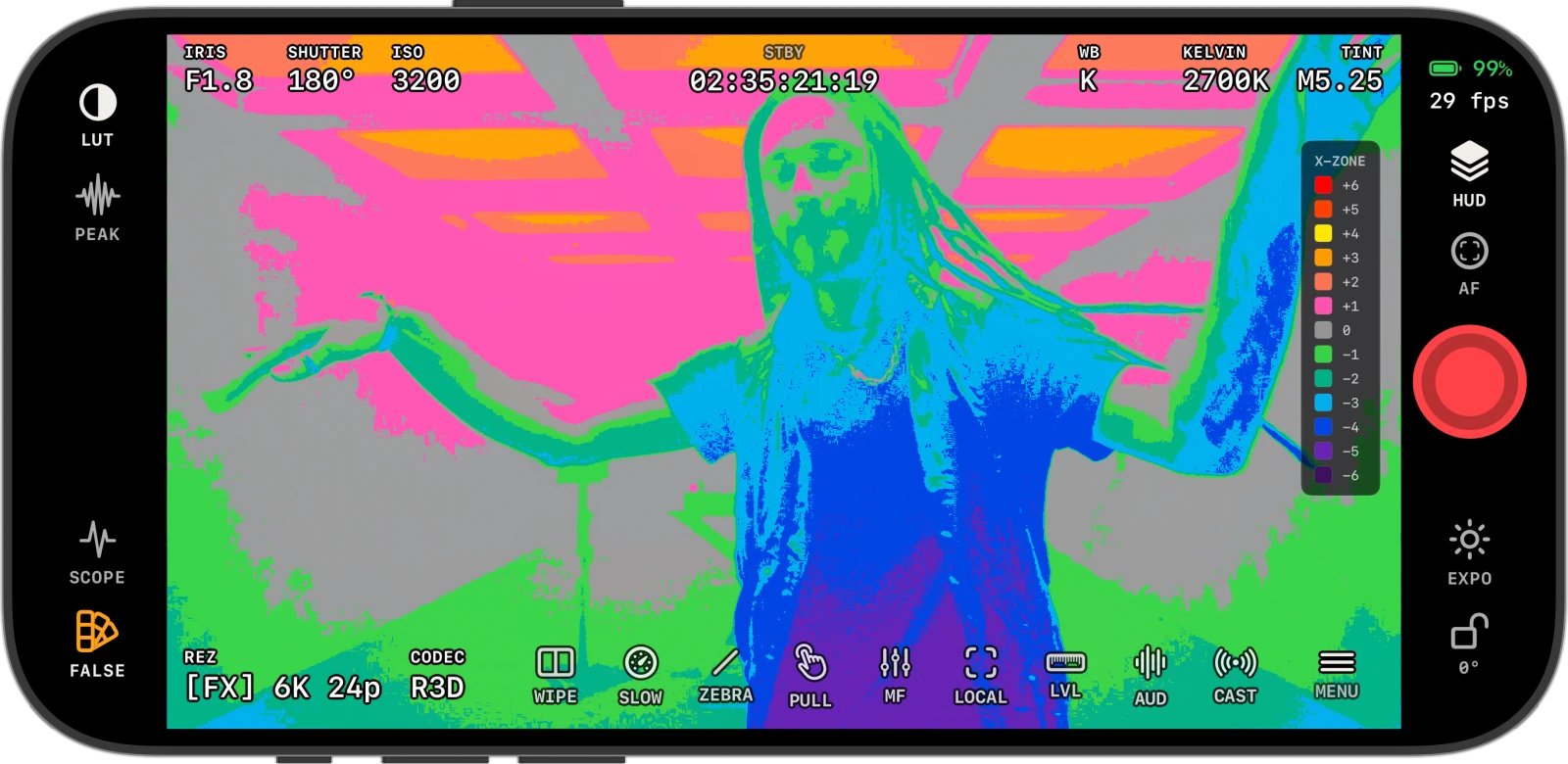
  • Five false color scales, one with 13 one-stop zones
  • Zebras for highlights, shadows and mid gray
  • Traffic lights per channel, plus clip and noise meters
  • Everything reads the signal under your LUT
See all 31 →
02
22items

LUTs and looks

Your look on the monitor, not in your head.

  • 53 LUTs built in: IPP2 Rec.709, N-Log and 32 RED creative looks
  • Import your own .cube files
  • Wipe: drag a divider between the look and the log
  • Match: exposure, gamma and contrast around the LUT
See all 22 →
03
60items

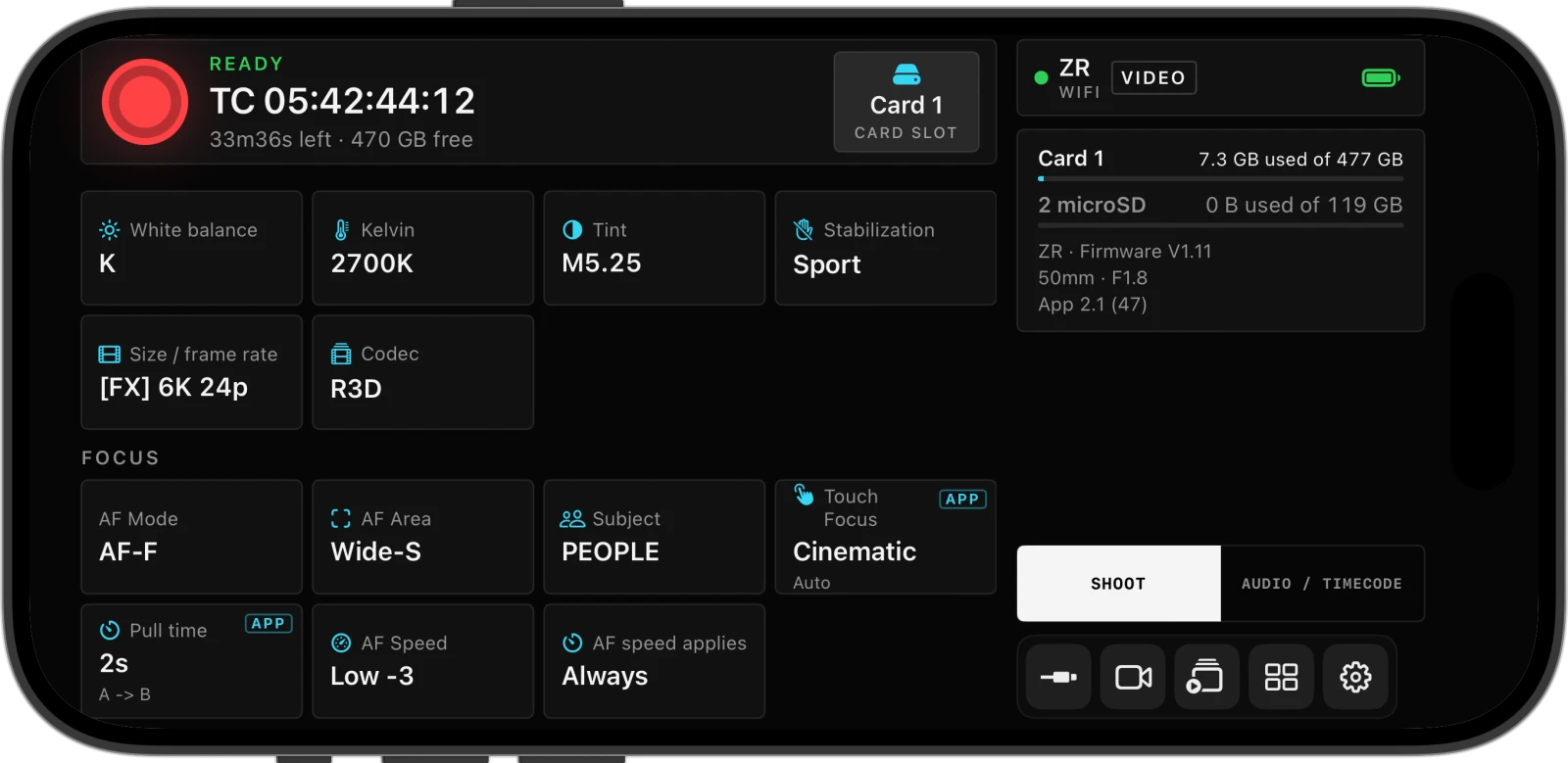
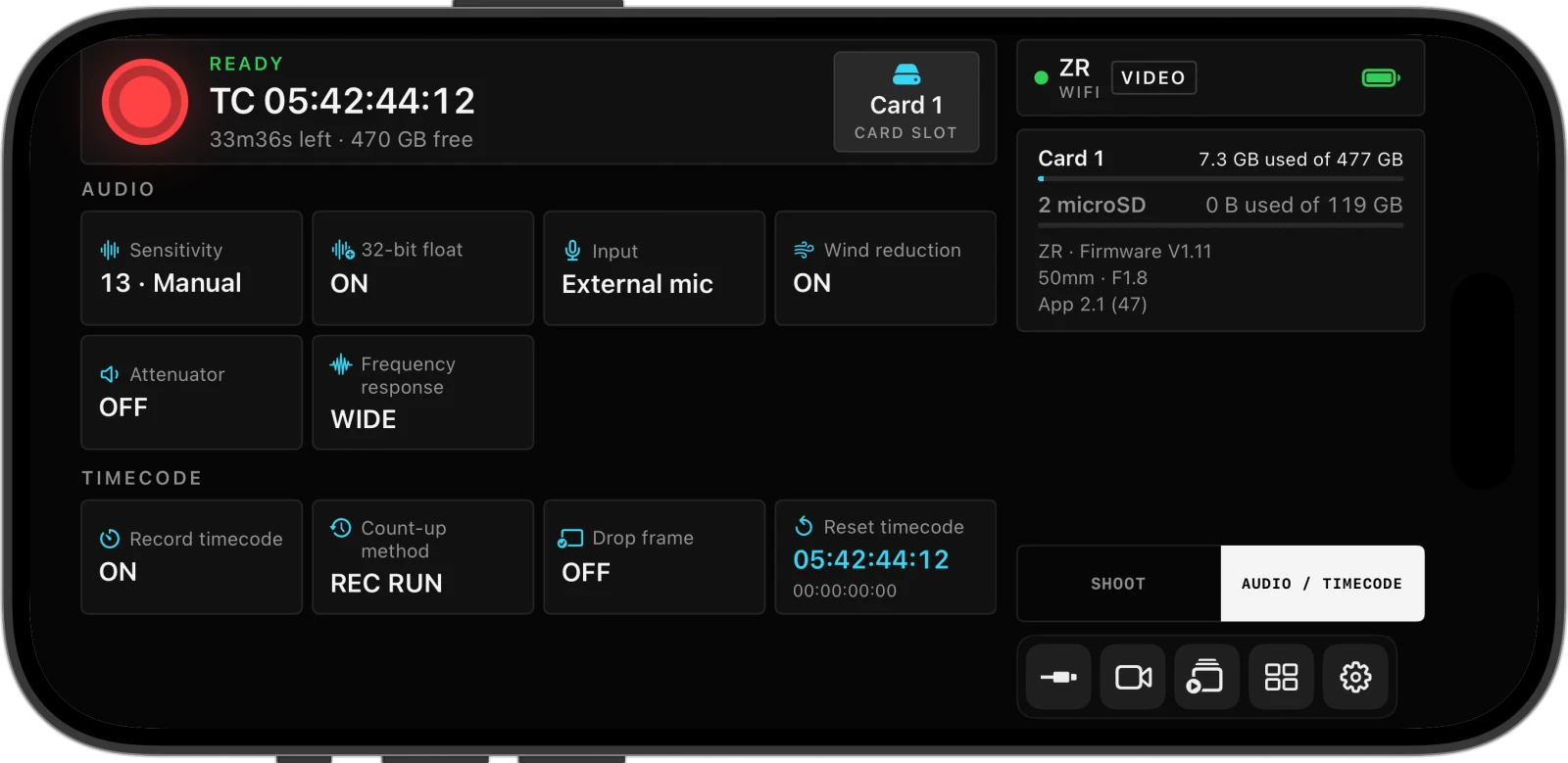
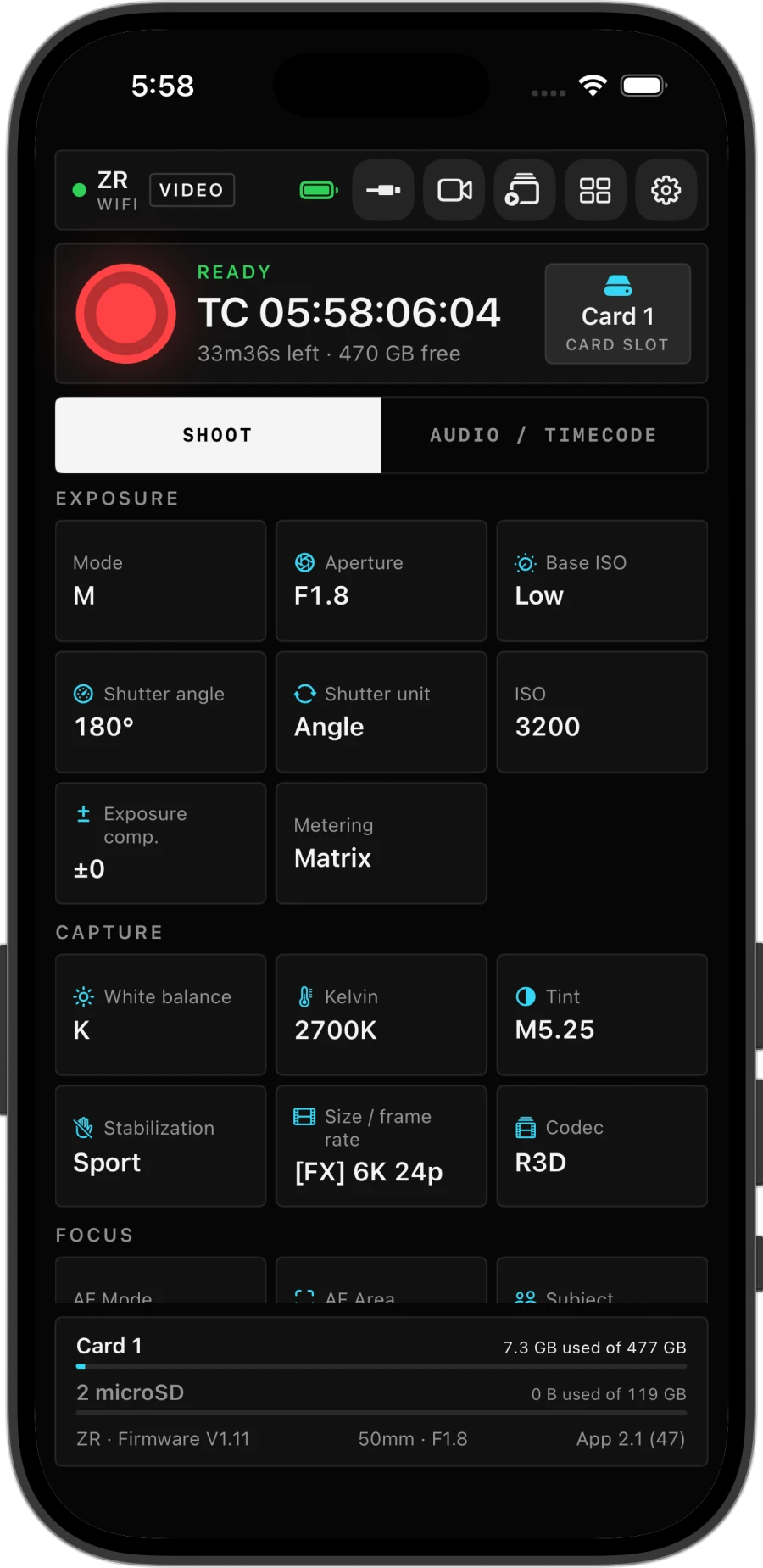
Camera controls

Run the camera without touching it.

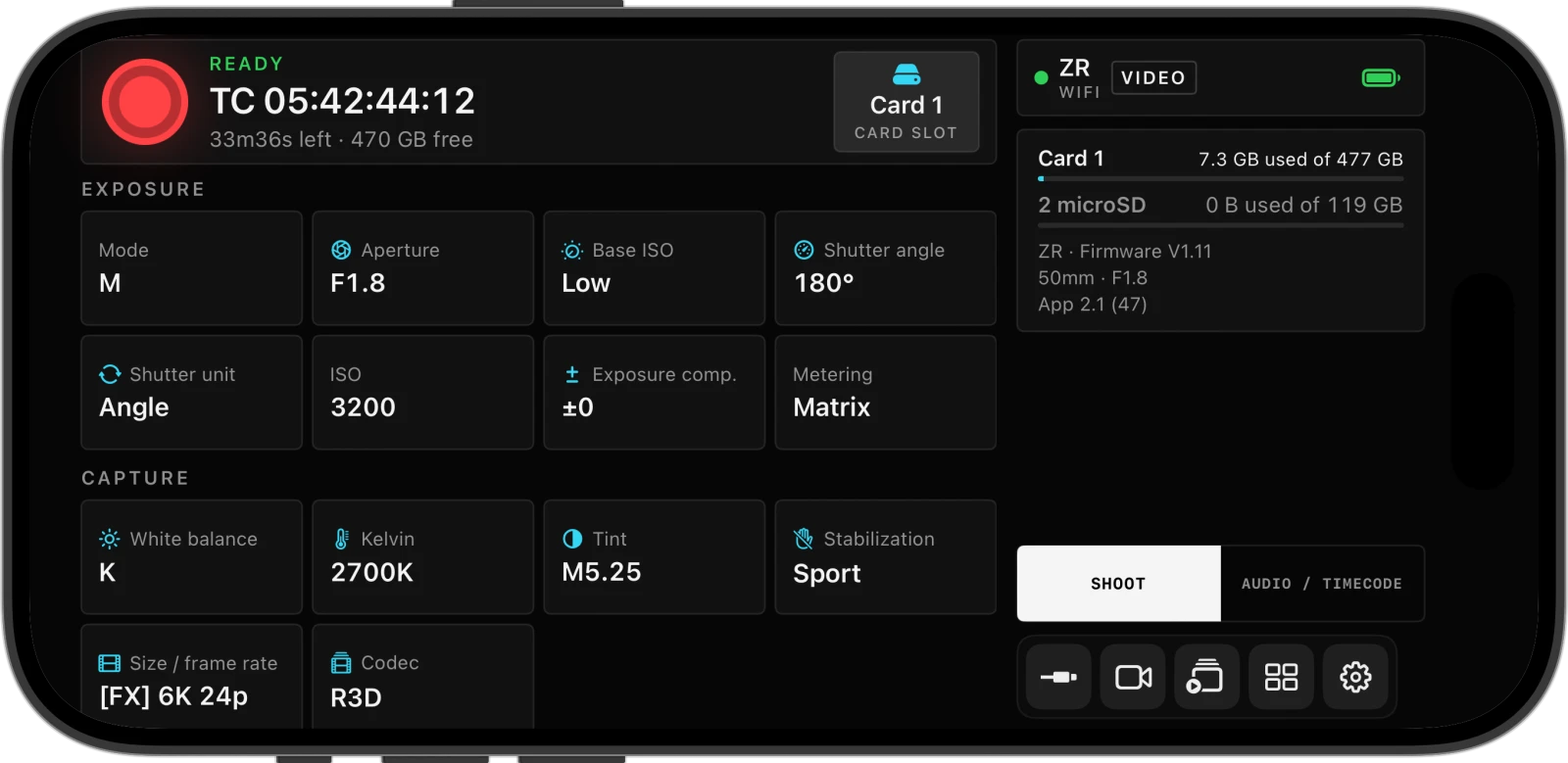
  • Exposure, capture, focus, audio and timecode on one page
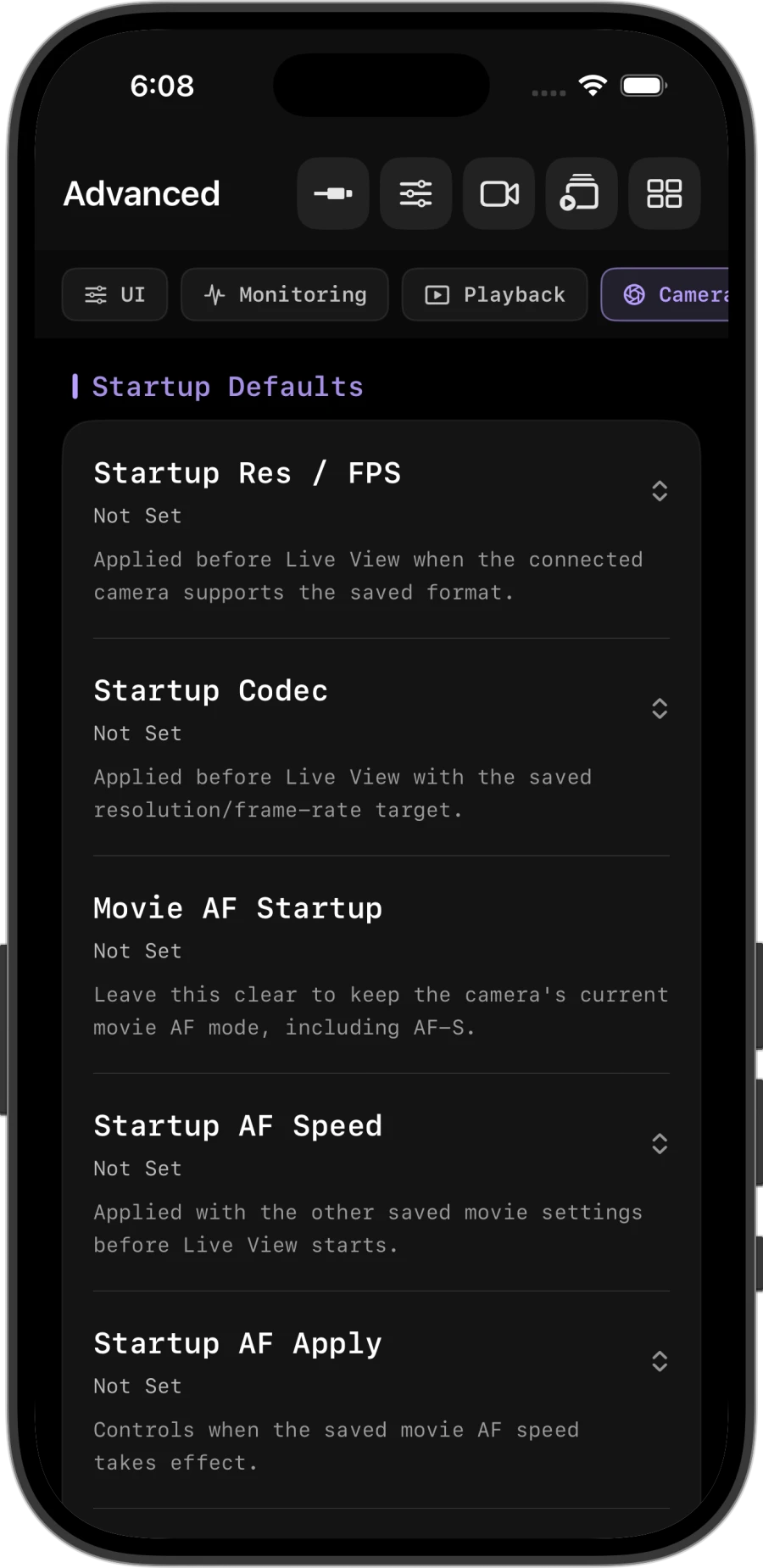
  • Shutter angle, dual base ISO, codec, resolution and frame rate
  • Record from the volume buttons, the Camera Control button or a Bluetooth remote
  • Settings are replayed when the camera reconnects
See all 60 →
04
48items

Multicam

A video village in your hand.

  • Up to eight cameras on one screen, and more by rows
  • One record button that learns each camera’s start delay
  • Match ISO, shutter, aperture and white balance across bodies
  • Timecode jam-sync, verified by reading it back
  • Nikon and RED in the same grid
See all 48 →
05
23items

RED camerasEarly access

The same monitor on a KOMODO or V-RAPTOR.

  • ISO, shutter, aperture, ND and white balance
  • Sensor and project frame rate, format, codec and R3D quality
  • Every monitoring tool and LUT on the RED picture
  • Joins Multicam next to your Nikon bodies
See all 23 →
06
33items

Focus tools

See focus. Then move it on cue.

  • Peaking in five colours, with a mono background option
  • Punch in on the monitor or with the camera’s own focus punch
  • Touch autofocus, instant or cinematic
  • Timed focus pulls across up to six points
  • Lens profiles for manual lenses, written to the camera
See all 33 →
07
40items

Timelapse and stills

Not just cinema. A full stills rig.

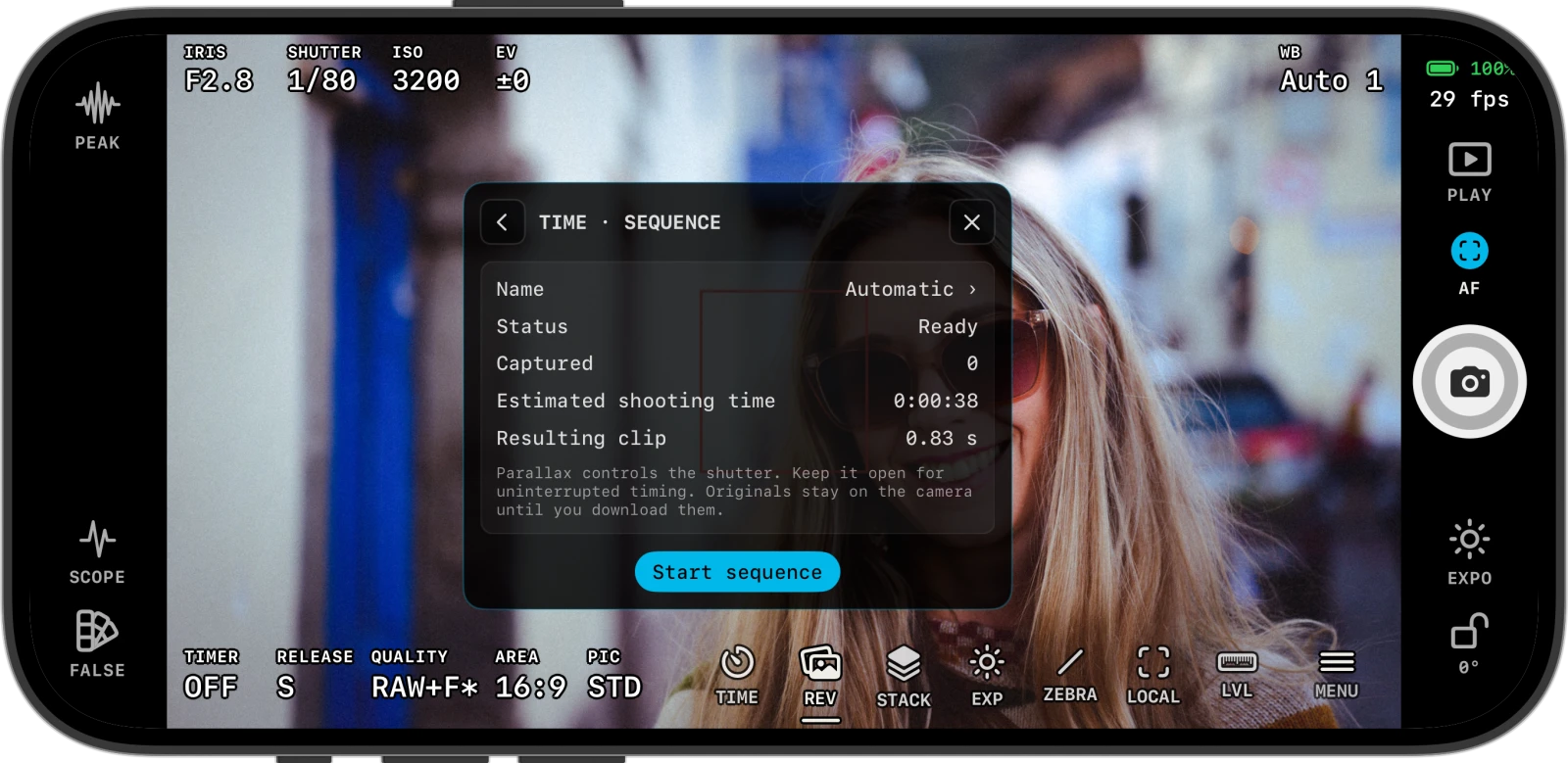
  • Intervalometer that runs for up to seven days
  • Builds the timelapse video on your phone, up to 4K
  • Bulb and Time exposures with a running timer
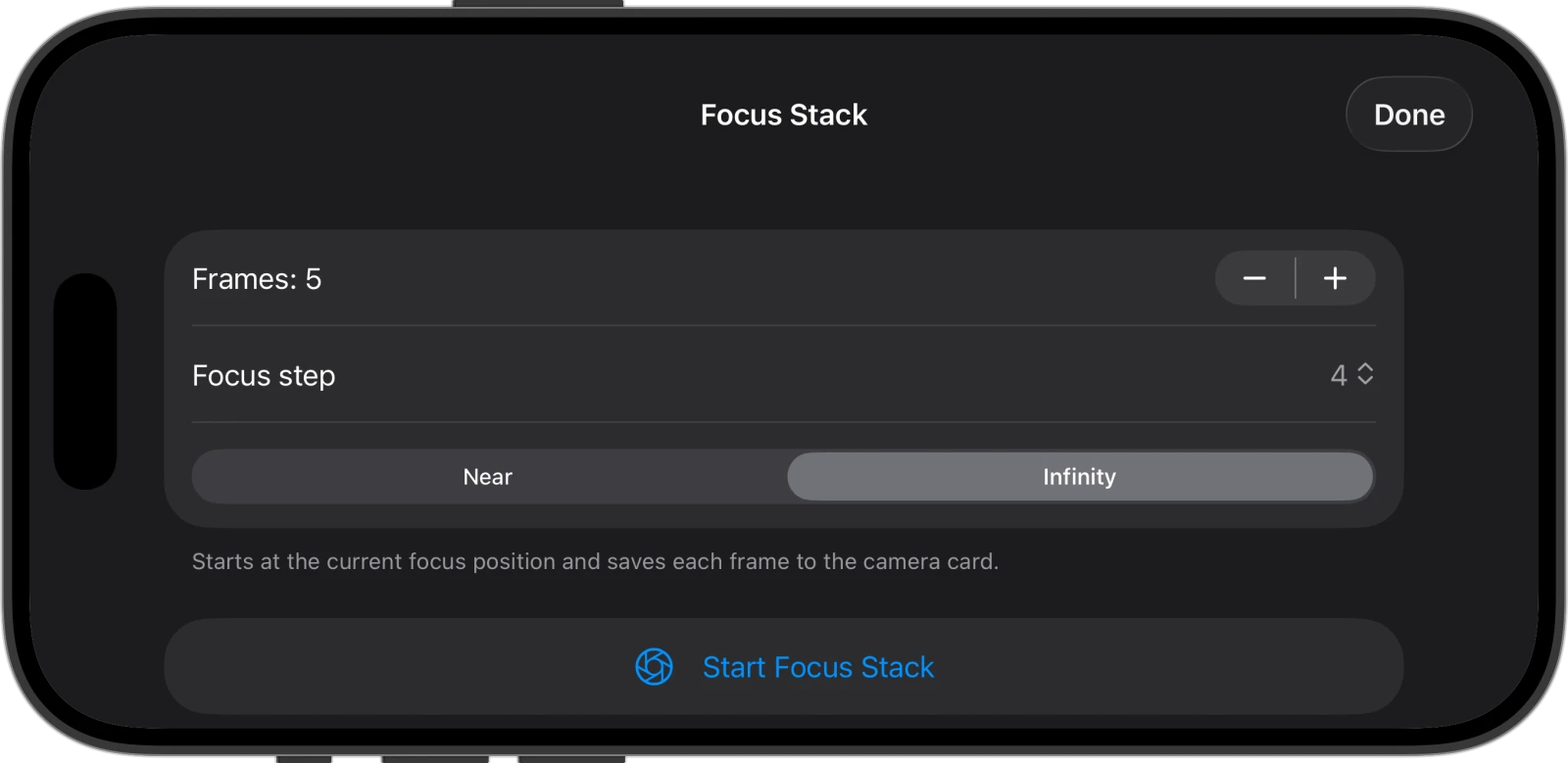
  • Focus stacking, from 2 to 100 frames, on iPhone and iPad
  • Red night display for astrophotography
See all 40 →
08
57items

Playback and culling

Review the take. Keep moving.

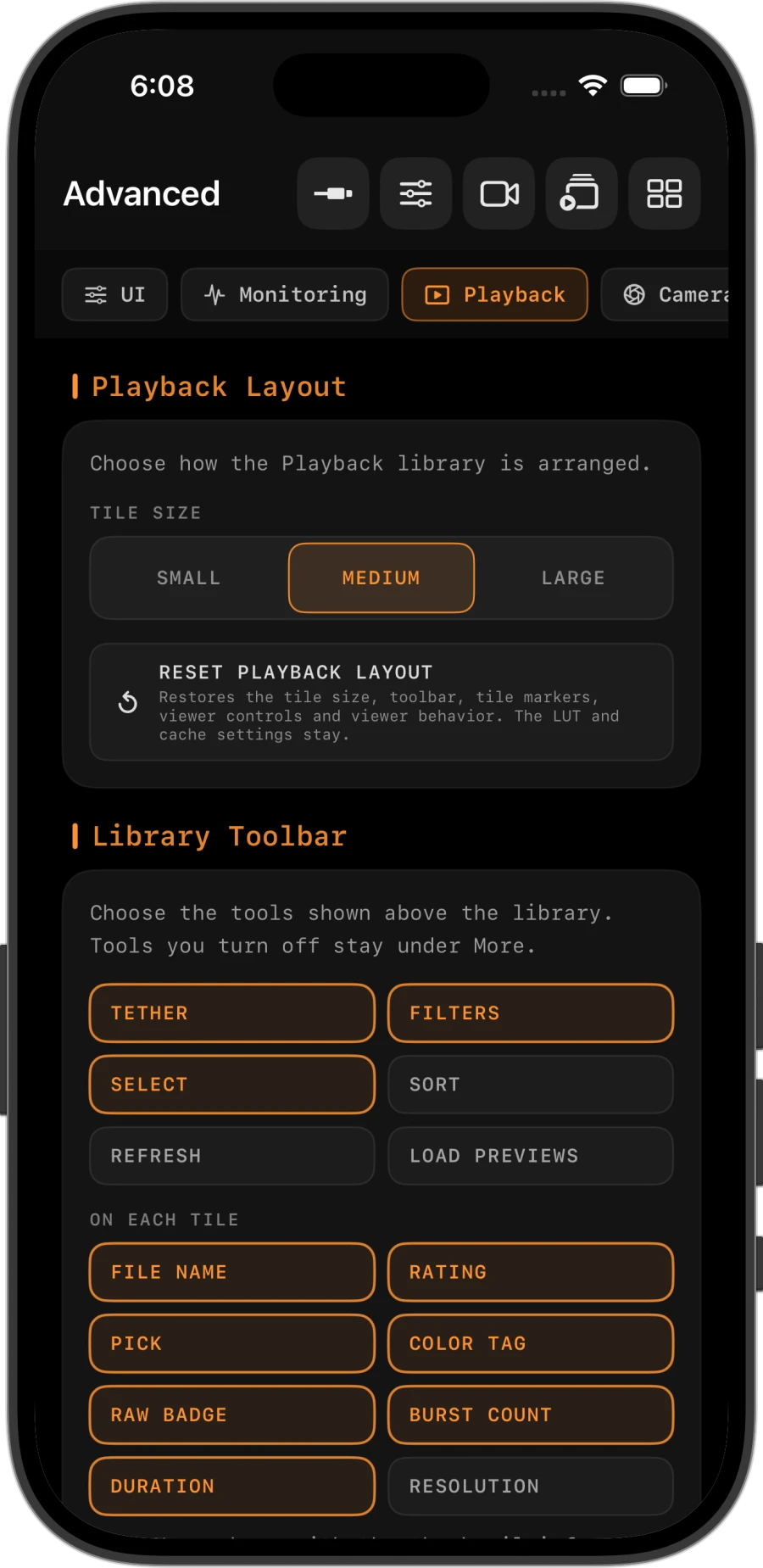
  • Play clips from the card with your LUT on
  • Stars, picks and five colour tags
  • Filter by type, date, card, shape and rating
  • Save clips and photos to your phone
  • Tether sessions that review each shot as it lands
See all 57 →
09
43items

Framing and guides

Frame for every delivery at once.

  • Nine frame guides plus custom ratios, several at a time
  • Eight composition guides
  • Anamorphic desqueeze from 1.25x to 2x, or any factor
  • Reference frame ghost with A/B blink
  • Camera level in three styles
See all 43 →
10
23items

Share the picture

Everyone sees the shot.

  • Remote Viewer: up to 16 phones and tablets watch live (4 from an Android host)
  • HDMI capture card as the picture source on iPad and Android
  • Accsoon SeeMo as the picture source on iPhone and iPad
  • Live Activities put the record timer on your lock screen
See all 23 →
11
65items

Interface

Laid out the way you shoot.

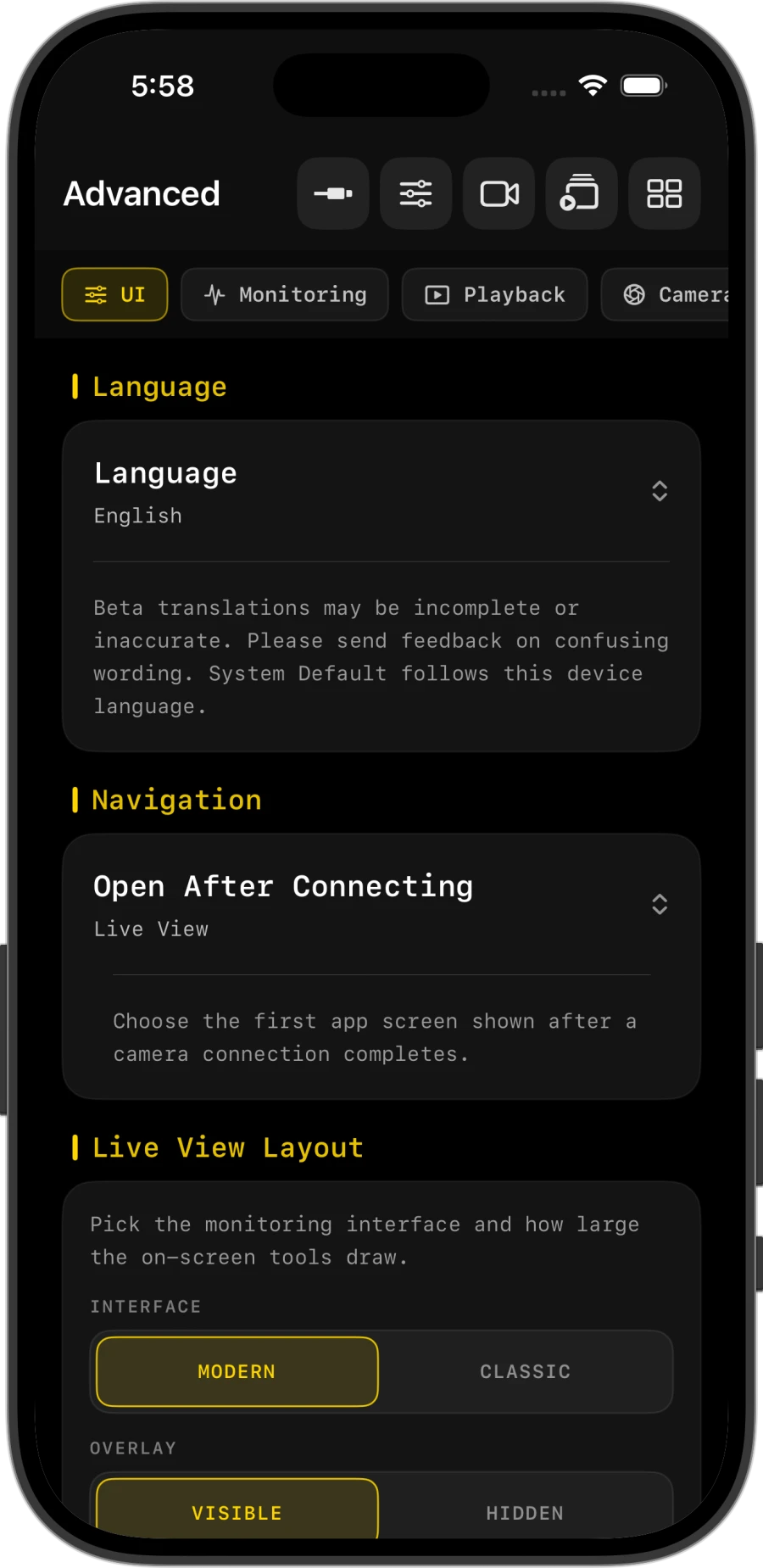
  • Modern and Classic interfaces
  • Presets that save your whole layout
  • Hot corners and a reorderable top bar
  • Built for phones, tablets and foldables, in 21 languages
See all 65 →
12
57items

Connecting

Four ways in. One of them will work on set.

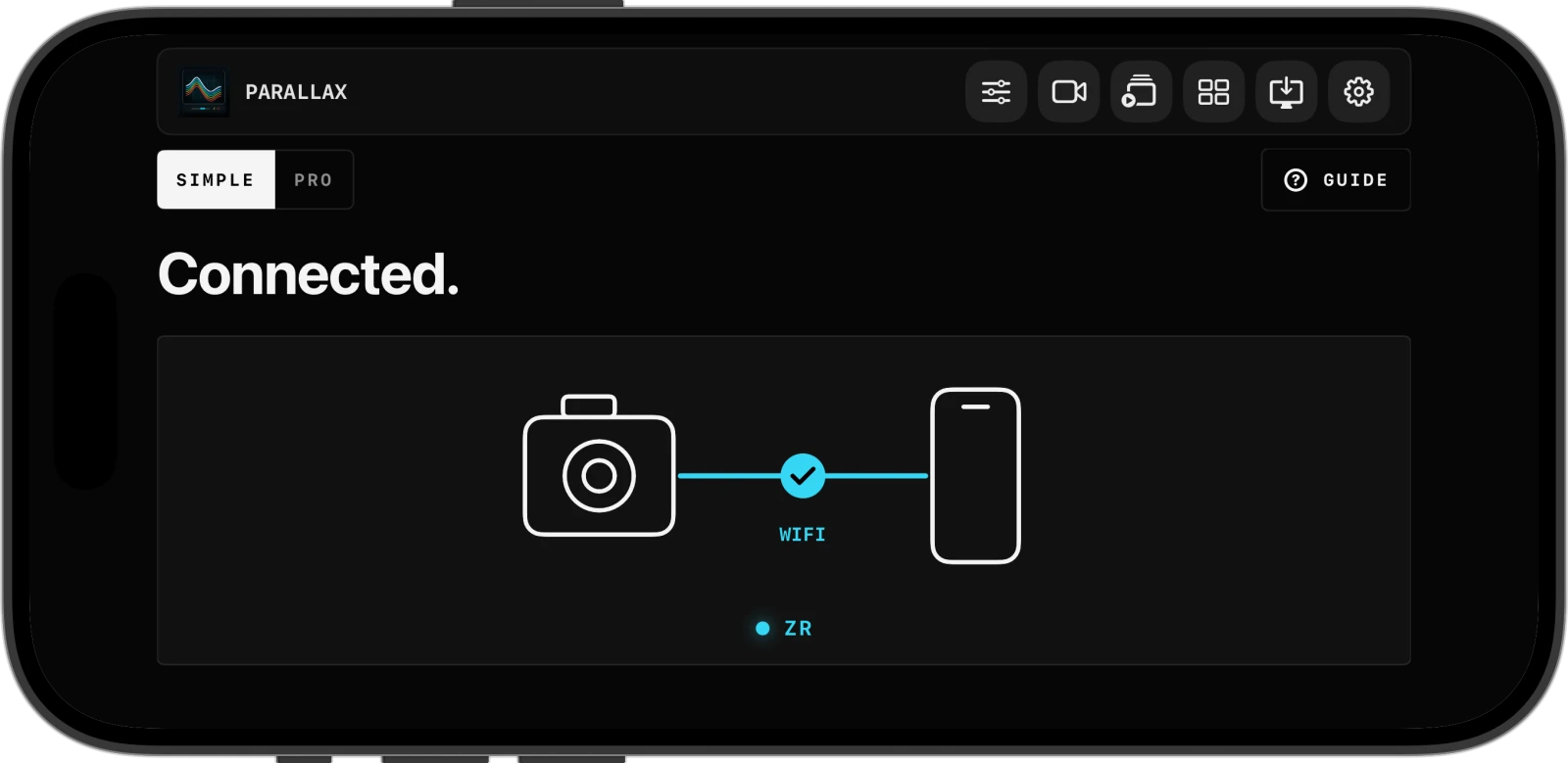
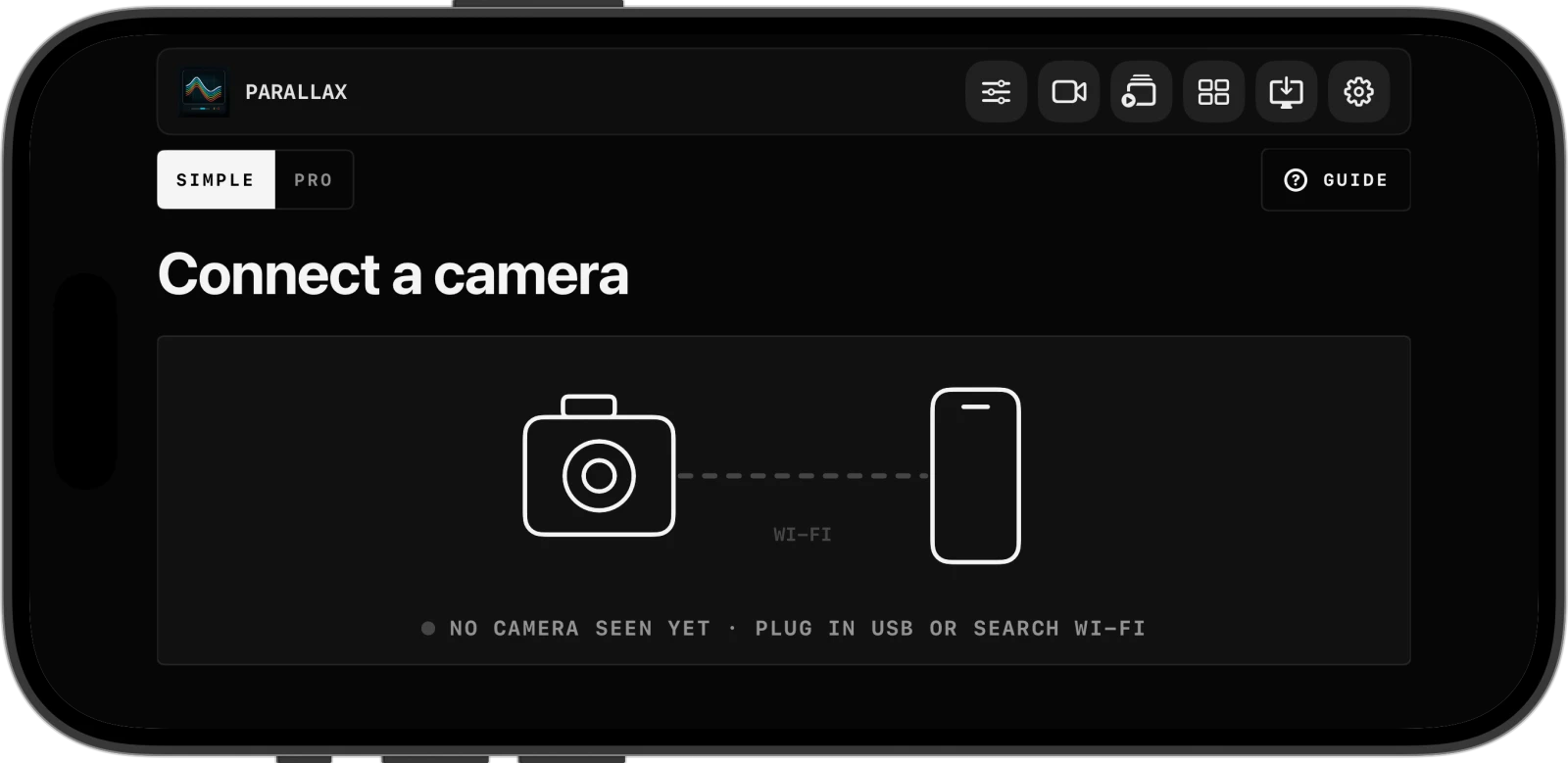
  • USB cable, phone hotspot, Wi-Fi router or the camera’s own Wi-Fi
  • A setup guide for each route
  • One-tap reconnect to cameras you have used before
  • Clear fixes when a connection fails
See all 57 →
01

Exposure confidence

Scopes tuned
for your signal.

Channel-aware traffic lights give you a fast read on highlight and shadow pressure before a take goes sideways. Waveform and histogram scopes calibrated for Log3G10 (R3D), N-Log, and SDR.

  • Traffic lights & goal posts
  • False color with legend
  • Waveform with exposure guidelines
  • Zebras: highlights, shadows, mid-gray
02

Focus control

Pull focus from
the palm of your hand.

Tap to set focus, nudge manual focus in fine or coarse steps, rehearse repeatable pull moves, and trigger cinematic AF — without touching the camera body.

  • Fine & coarse manual focus
  • Pull tool for repeatable moves
  • Cinematic AF trigger
  • Focus peaking in R3D NE & RAW
03

Framing & desqueeze

Frame for every
delivery at once.

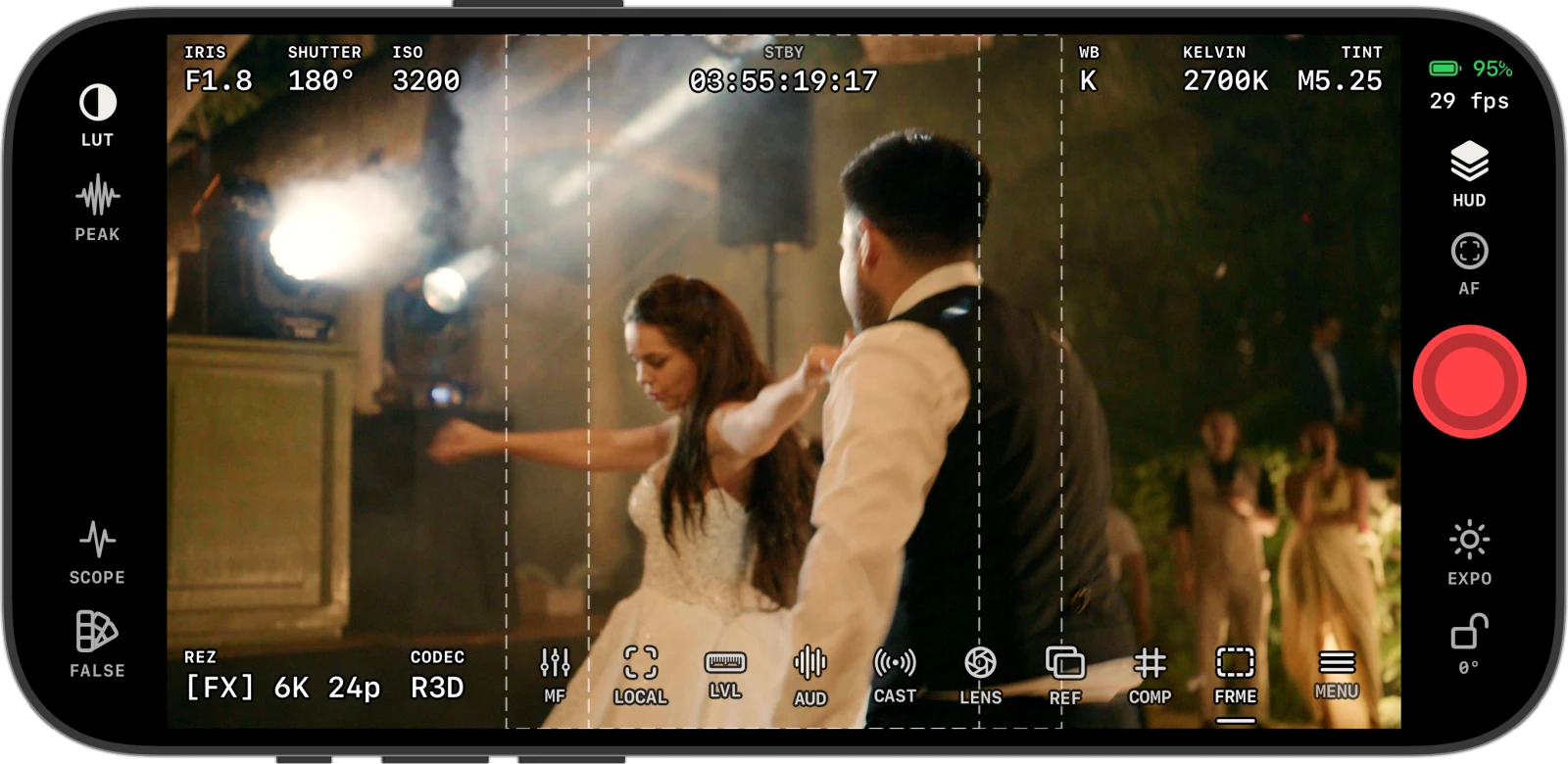
Anamorphic desqueeze at 1.33x, 1.5x, 1.8x, 2x, or any custom ratio — live. Stack multiple frame guides with dashed comparison lines for multi-delivery shoots.

  • Custom anamorphic desqueeze
  • Multiple simultaneous frame guides
  • 9:16 · 4:5 · 1:1 · 2.39 · custom
  • Matte & guide opacity controls
04

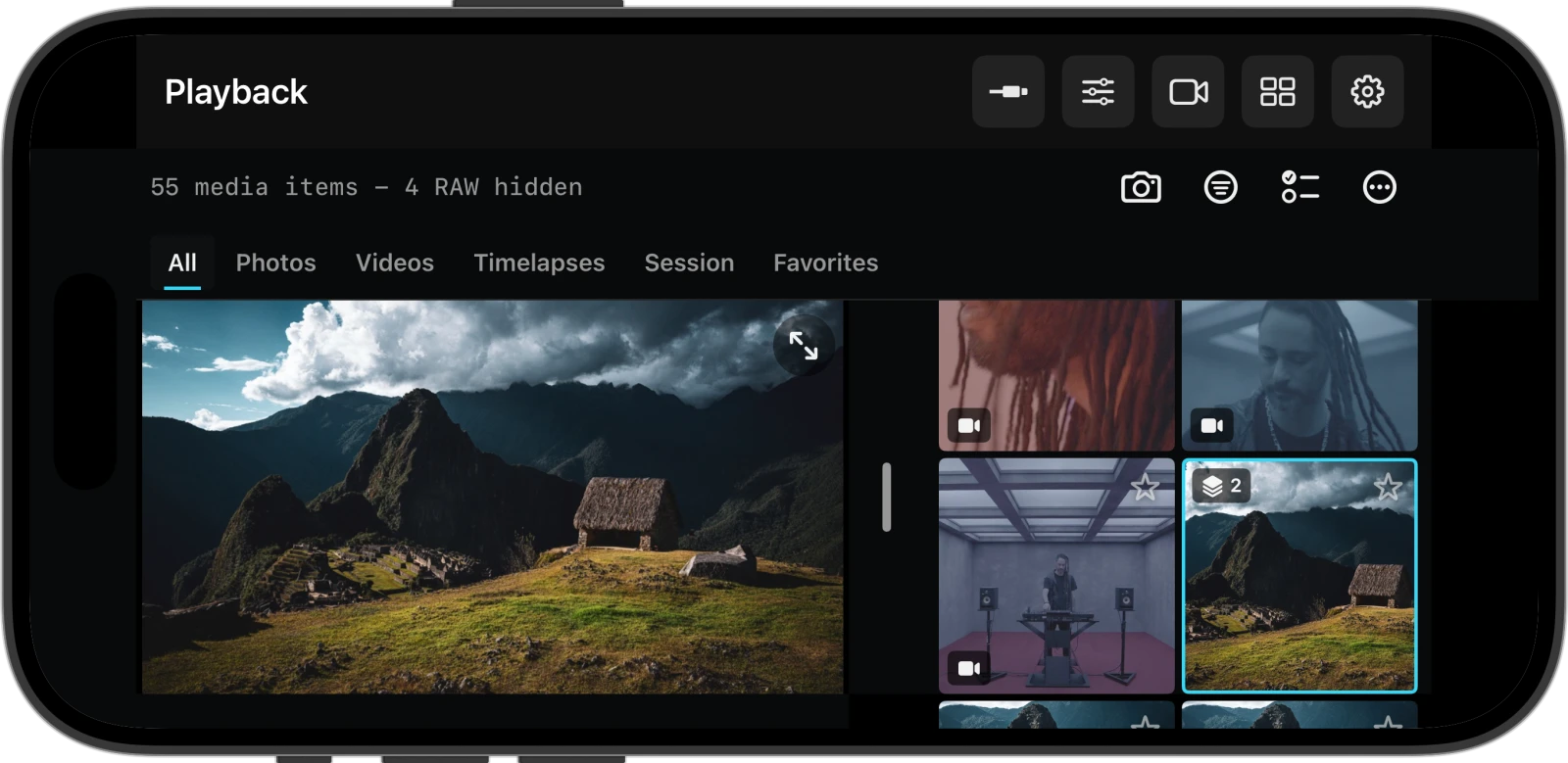
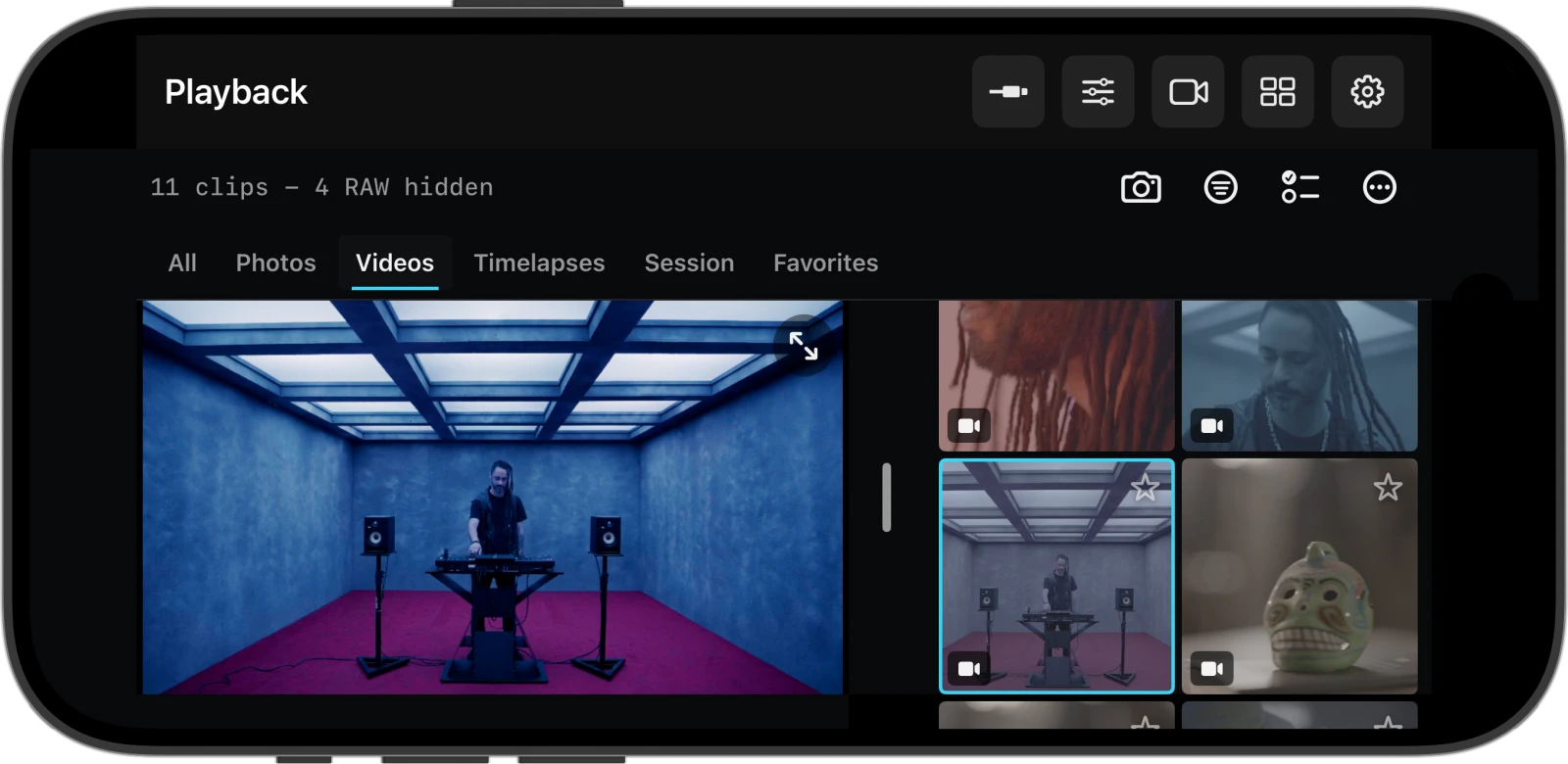
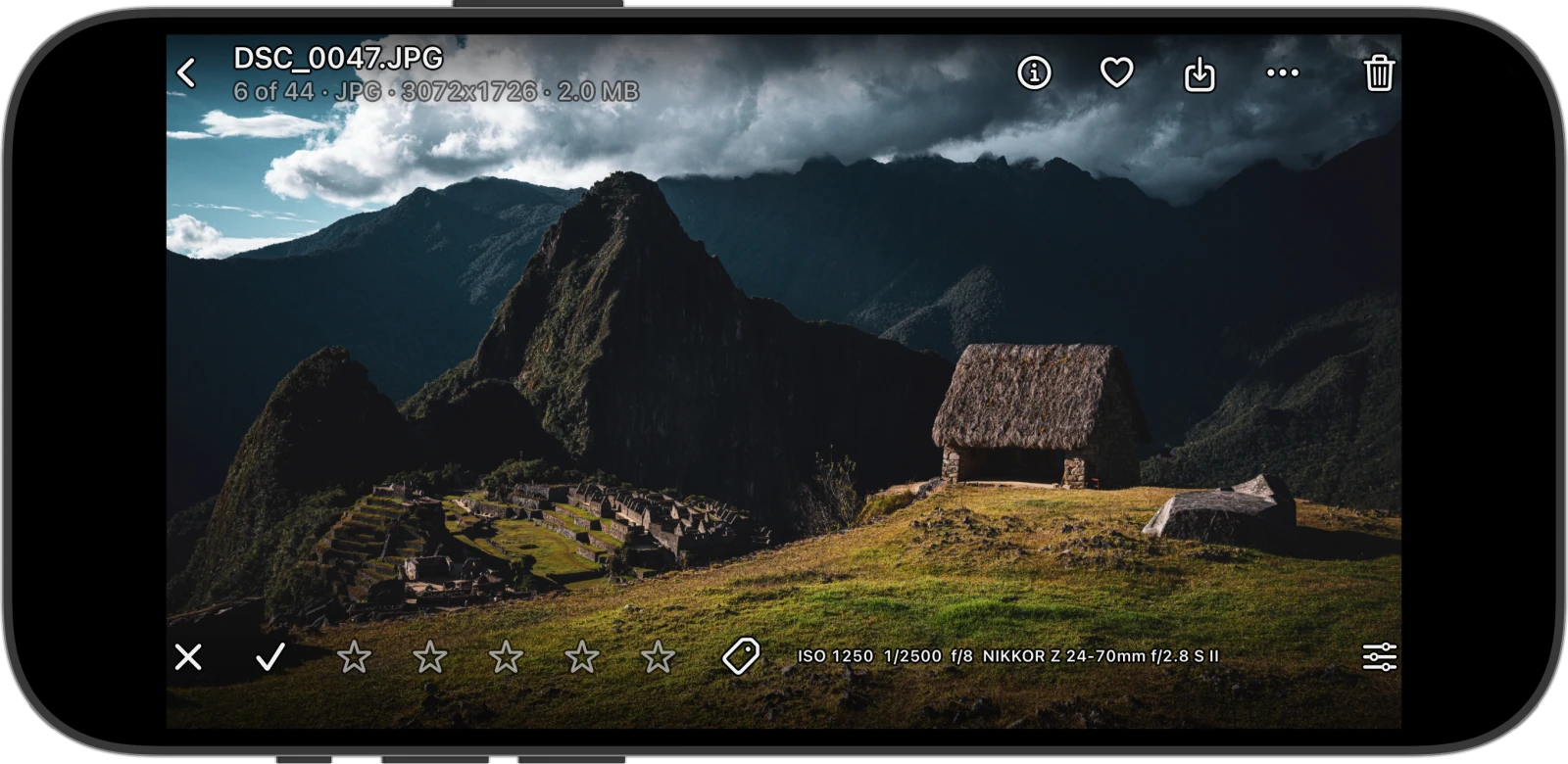
Playback

Review takes.
Keep moving.

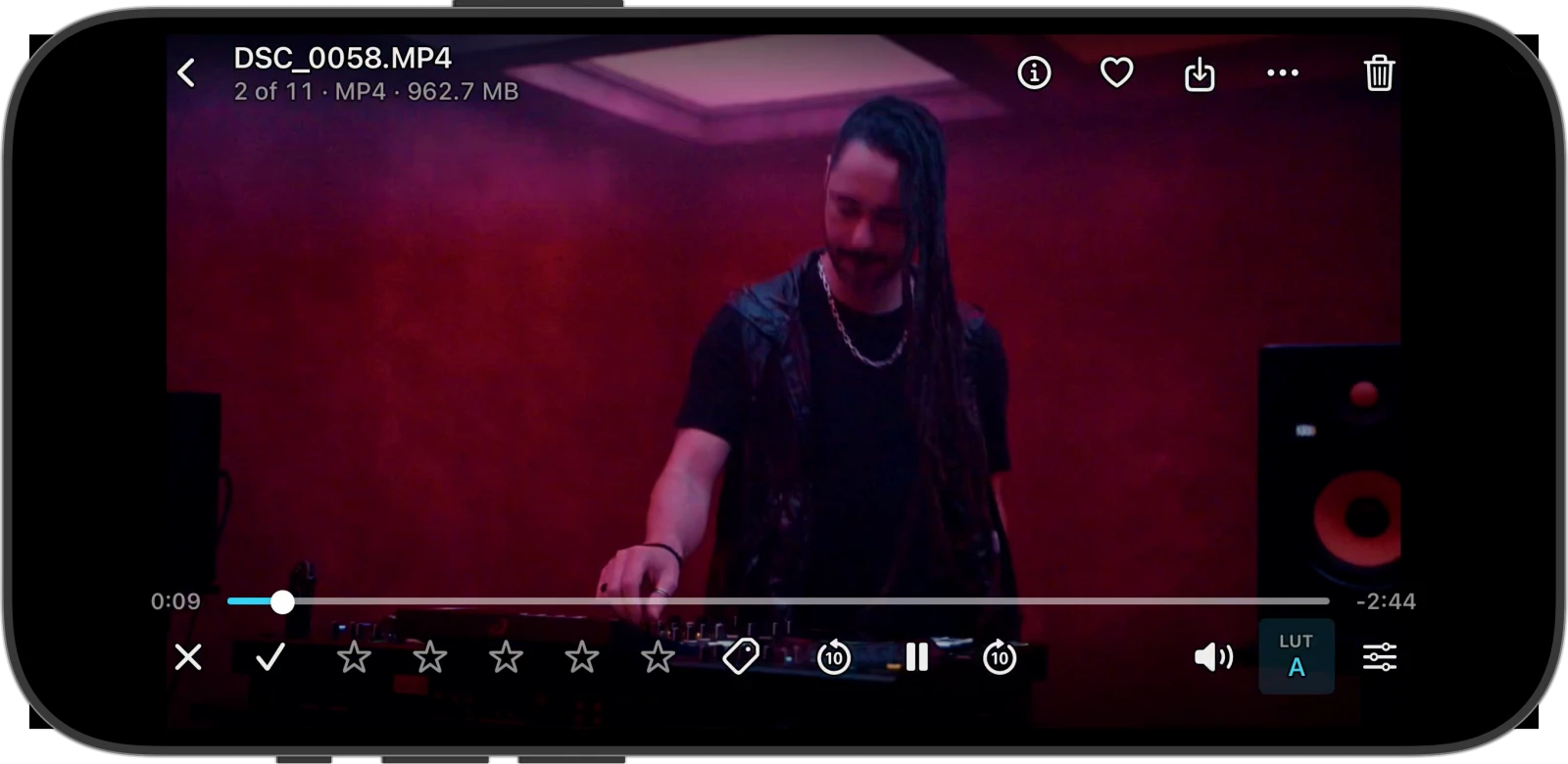
Scan the camera card, stream clips, scrub, check audio, and preview with your monitoring LUT — all over WiFi, without crowding around the camera body.

  • Camera-card scan with thumbnails
  • Full-screen playback & scrubber
  • LUT preview during playback
  • Volume, clip navigation, audio check
05

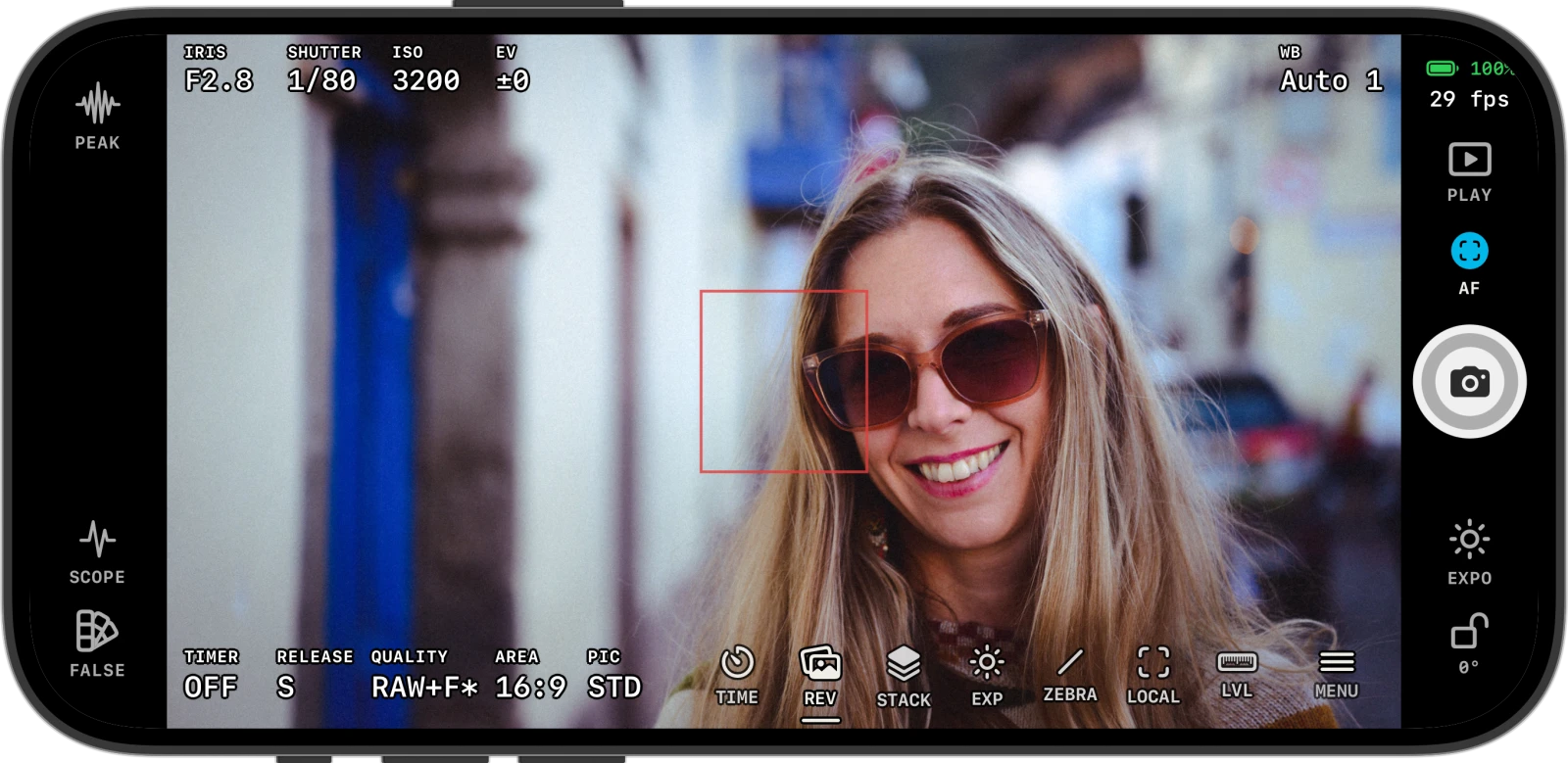
Stills / Photo mode

Not just cinema.
A full stills rig.

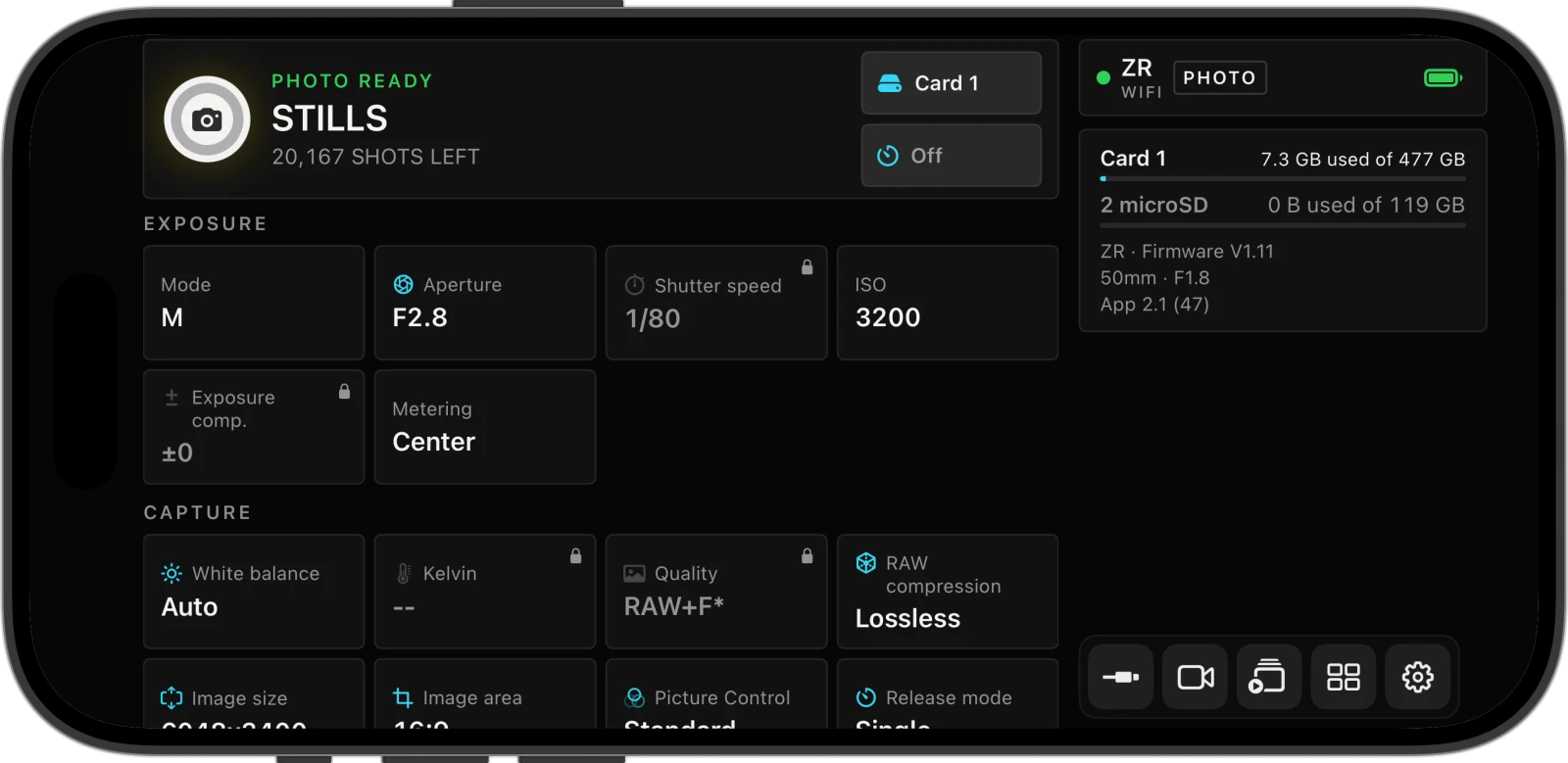
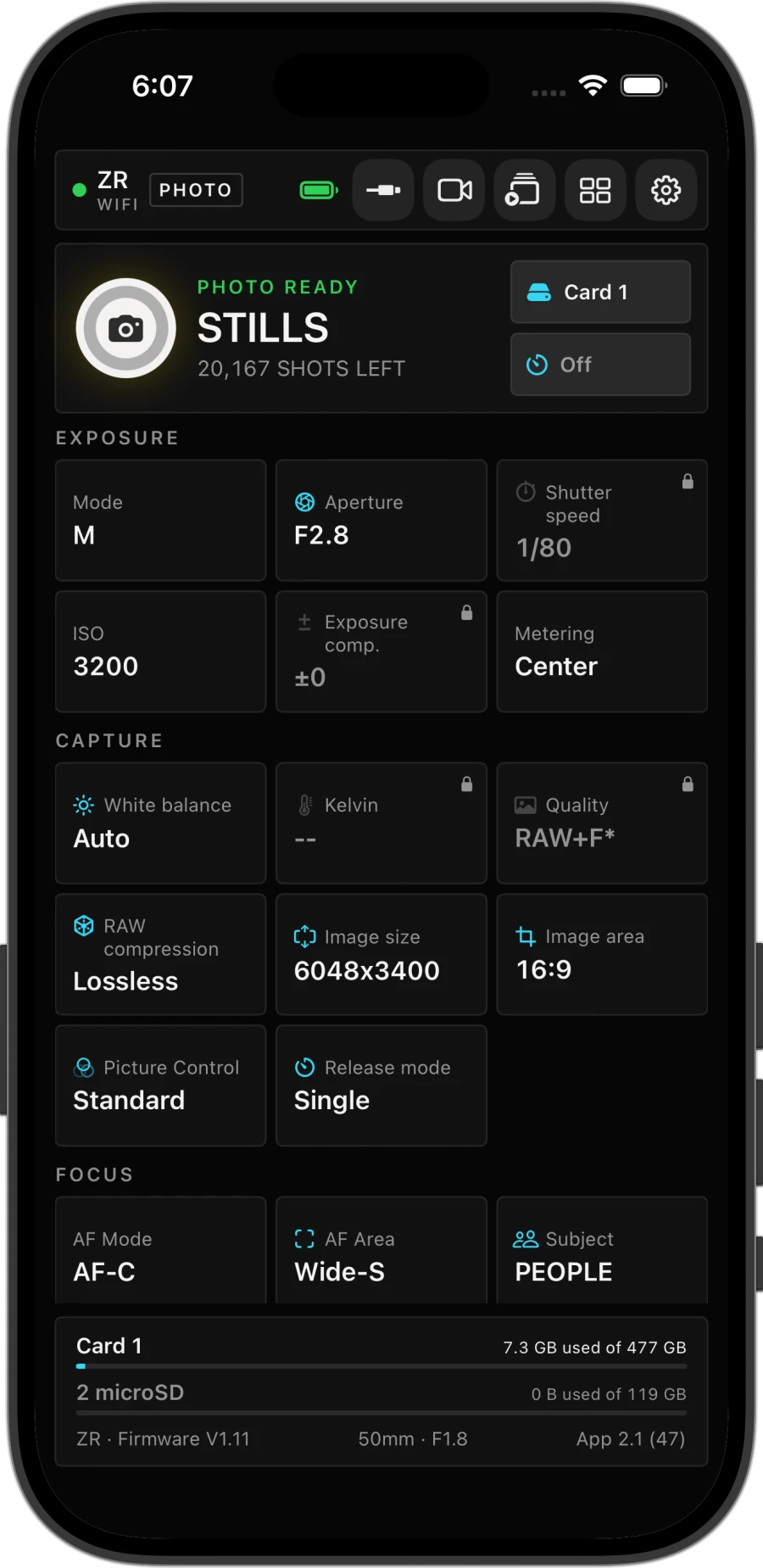
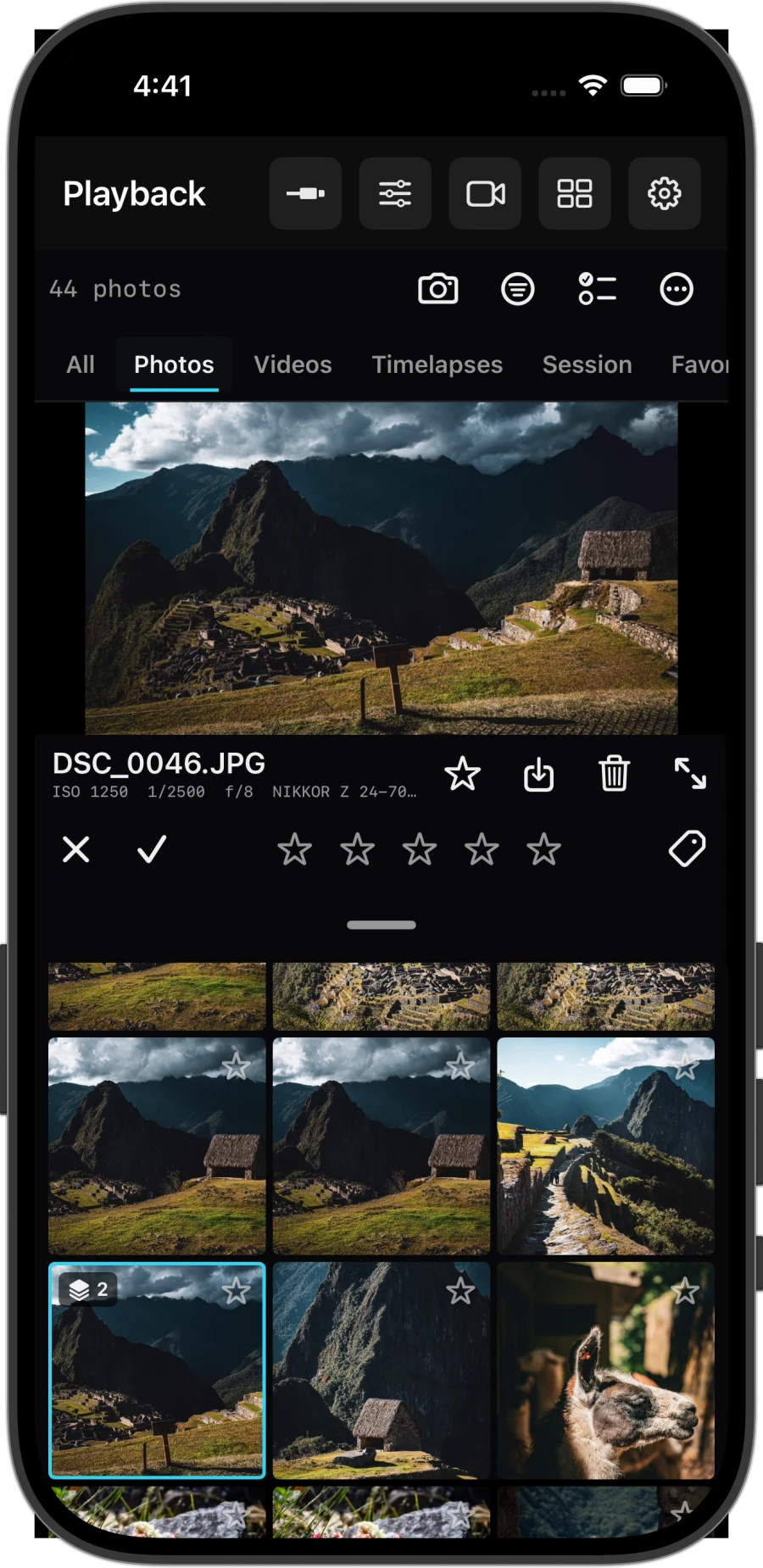
Flip Parallax Monitor into photo mode and your phone becomes a complete stills command surface — exposure, capture, storage, and focus pages built for photography, not borrowed from video.

Fire the shutter from live view, then review every frame instantly over WiFi without touching the camera.
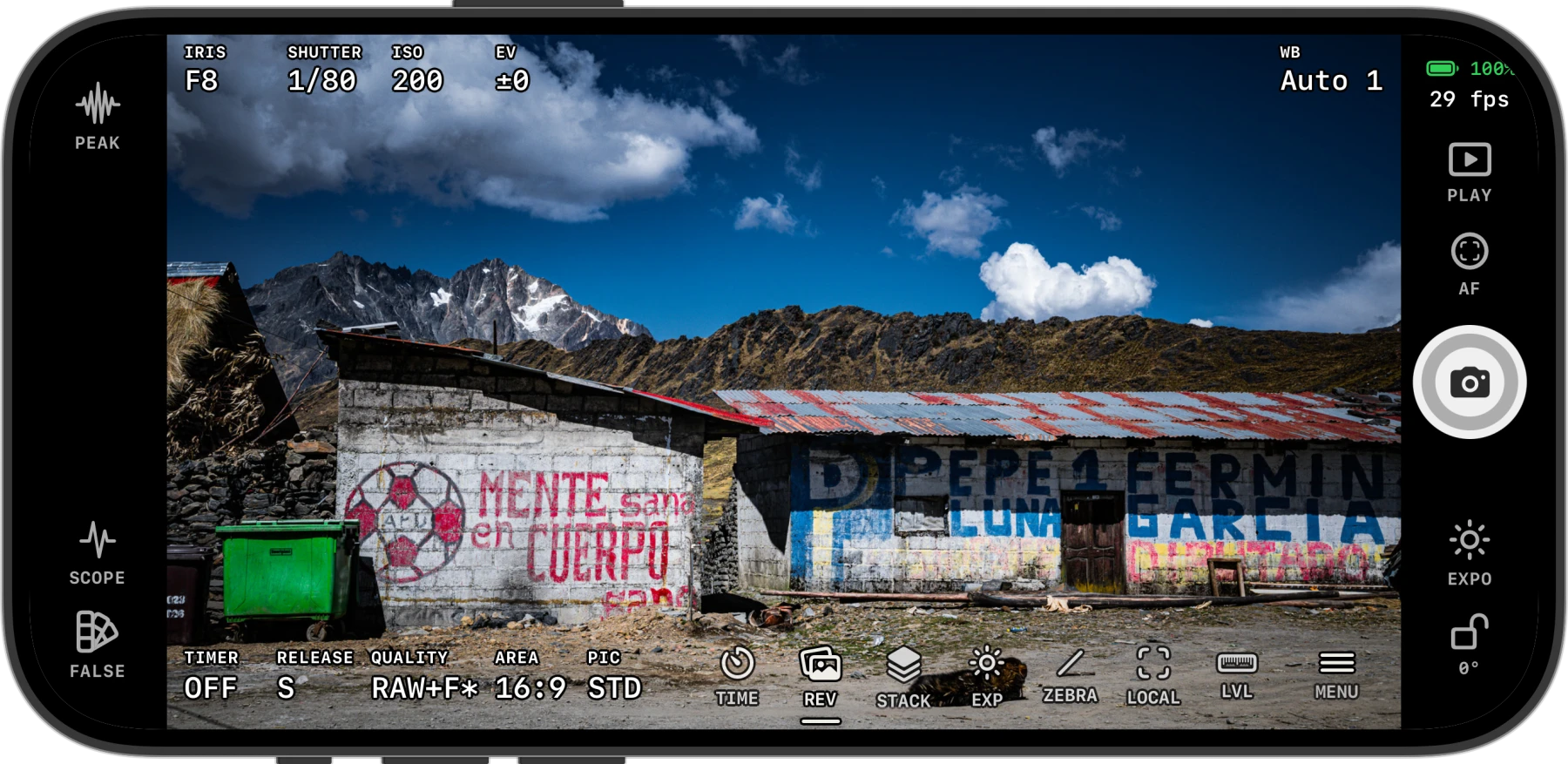
  • Dedicated photo control pages
  • Remote shutter from live view
  • Exposure · capture · storage · focus
  • Instant photo review over WiFi
Parallax Monitor photo mode stills controls for Nikon Z cameras
06

Multicam

Every camera.
One screen.

A video village in your hand. Put up to eight cameras on one grid, Nikon and RED side by side, roll them together and keep exposure matched across bodies, without walking the set.
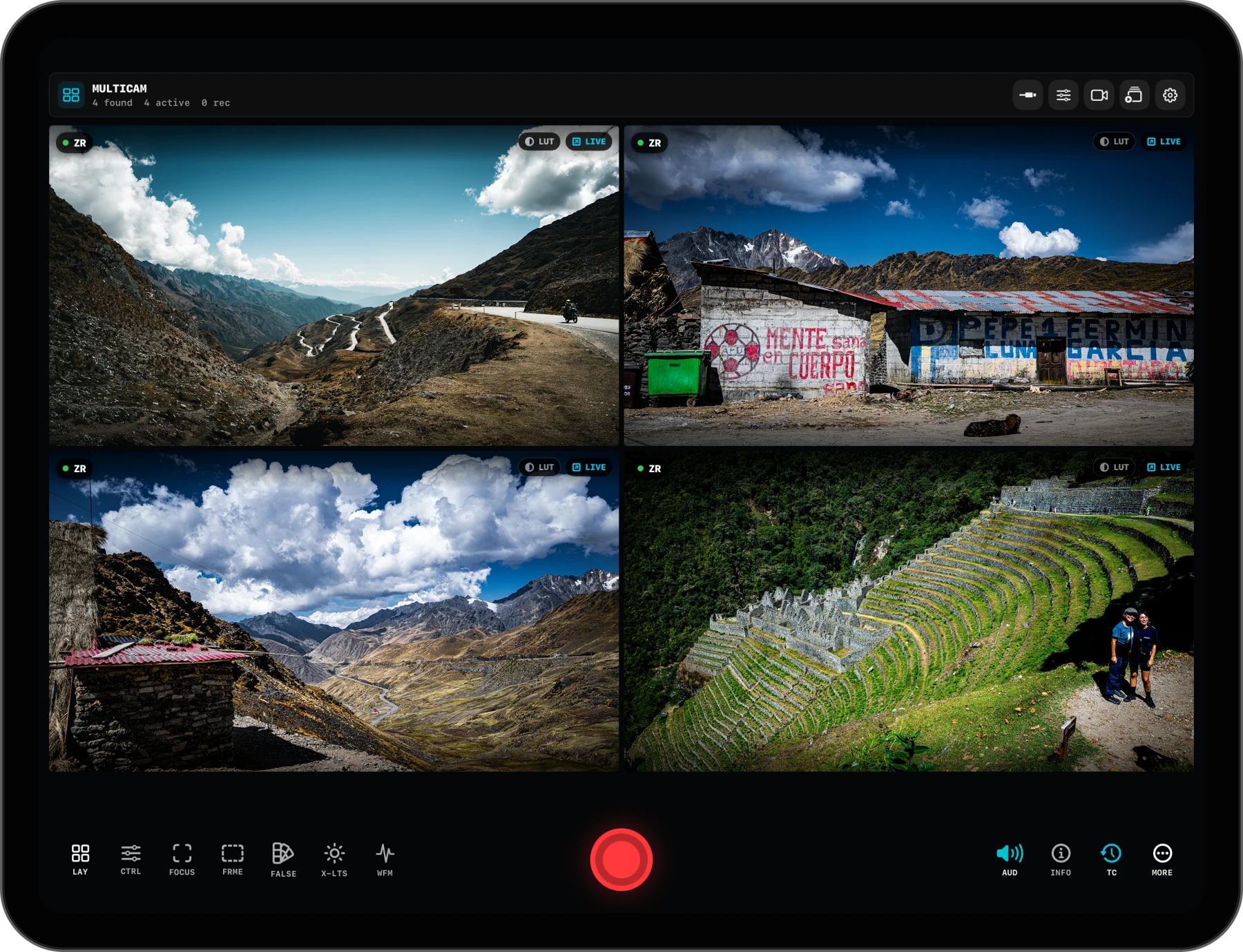
  • Up to eight cameras on one screen, more by rows
  • Nikon and RED cameras in the same grid
  • One record button for every camera
  • Match ISO, shutter, aperture & white balance
  • Timecode jam-sync, verified by read-back
Parallax Monitor Multicam on iPad showing four Nikon Z cameras on one grid

And that's not all

Every control.
Every tool.

40+ camera controls, a fully customizable interface, full audio monitoring, and LUT workflows designed for how the ZR is actually shot.

06

Custom interface

Presets, status chips, tool pills, modern/monitor/classic HUD styles. Landscape toolbar placement and rotation lock.

07

Full audio

Real-time level meters, input sensitivity and gain adjustment, all controllable from live view. No separate mixer.

08

LUTs done right

Preview your LUT while exposure tools read the pre-LUT signal. Bundled Rec.709 profiles plus custom .cube import.

09

Deep cinema controls

Shutter angle, dual base ISO, codec, resolution, frame rate, Kelvin, timecode, card slot — controls Nikon hasn't exposed anywhere else.

10

Ultra low-latency USB

Ultra low-latency USB monitoring with every tool active — waveform, false color, peaking, and LUTs over a single cable.

11

Built for the field

Bonjour discovery, direct AP connection, quick reconnect, transport switching, and support log capture.

One app · two stores

iPhone, iPad & Android.

Parallax Monitor for Android shares the same tools, names and layout as the iPhone and iPad app. This is what differs by platform.

iPhone & iPad

iPhone · iPad · Version 2.1

Download on the App Store
  • PriceUS$19.99, one-time purchase. No subscription.
  • Rating4.9 App Store rating from 28 US ratings. Read the reviews.
  • RequiresiOS or iPadOS 17 or later. The Camera Control button needs iOS 17.2. Device notes in the manual.
  • CamerasRemote monitoring and camera control for Nikon Z-series and RED cameras.
  • New in 2.1Your camera’s HDMI picture through Accsoon SeeMo. Keep your LUTs, scopes and exposure tools, with camera control over Wi-Fi. Explore SeeMo for iOS.
  • Refunds30-day, no-questions-asked full refund promise. App Store refund requests begin through Apple.
  • TutorialsWatch the tutorials

Android

Android phones · tablets · Version 2.1.18
Get it on Google Play
  • Formerly ZR CtlSame app, same developer. Your purchase carries over and there is nothing to buy again.
  • PriceUS$19.99, one-time purchase. No subscription.
  • CamerasRemote monitoring and camera control for Nikon Z-series and RED cameras.
  • RequiresAndroid 9 or later, on phones and tablets. Device notes in the manual.
  • Android differencesMulticam has a grid that grows past eight tiles, and jam-sync adds a wait-for-jam option. Where Android behaves differently, the manual says so in an Android note.
  • On Accsoon monitorsThe dedicated Parallax Monitor edition for CineView M7 is a native app for your Accsoon monitor, with HDMI monitoring and camera control. Explore the Accsoon edition.
  • Refunds30-day, no-questions-asked full refund promise. Google Play refund requests begin through Google.
  • TutorialsWatch the tutorials

Built for the person
actually operating the camera.

Camera settings, exposure confidence, framing, focus, LUTs, audio, and playback in one native workflow — shaped around what Z shooters do during a real take.

See it in action

Watch Parallax Monitor in the field.

Real reviews from real filmmakers putting Parallax Monitor through its paces.

Coverage

The press noticed.

Coverage of Parallax Monitor from the camera press.

CineD article cover for the Nikon ZR remote app

Software news

ZR CTL Beta Control App Available Now for Nikon ZR

CineD covers the app's camera control, live feed, playback, focus, exposure, and framing tools for Nikon ZR users.

Read article →
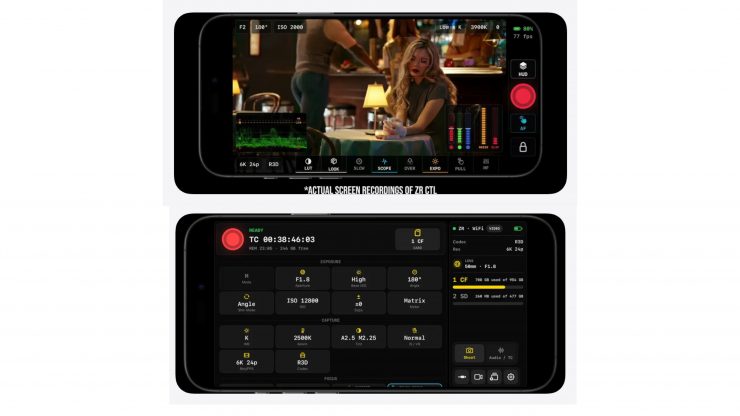
Newsshooter article cover for Parallax Monitor on Nikon cameras

App update

Parallax Monitor External Monitoring Solution for Nikon Cameras Update

Newsshooter covers the Parallax Monitor update with multicam, stills mode, multi-screen casting, X-zone false color, and playback file management.

Read article →
No Film School article cover for the Nikon ZR remote app

Cinematography & cameras

Level Up Your Nikon ZR Shooting Experience

No Film School looks at the app as a smartphone control monitor with live view, LUT preview, framing guides, and camera-card playback.

Read article →
PodcastVideos.com article cover showing a smartphone monitor mounted on a camera rig

Video software

New ZR CTL App Unlocks Advanced Remote Monitoring for Nikon ZR Filmmakers

PodcastVideos.com covers the app's remote monitoring, exposure tools, wireless control, focus peaking, framing guides, and small-crew camera workflows.

Read article →
Sinisa Zec Studio article cover for the app

Solo filmmaking

Why the New ZR CTL App Finally Makes Nikon SnapBridge Obsolete for Solo Pros

A working photographer's case for the app over SnapBridge: wired USB-C, real exposure tools, and the camera controls a one-person crew needs.

Read article →
Nikon Rumors article cover for Parallax Monitor

Nikon community

The Nikon Z-Series Control App You Will Want on Every Shoot

Nikon Rumors walks through live view, multicam, stills capture, X-Zone false color, LUT preview, and the focus tools across the Z-series bodies.

Read article →
Digital Camera World article cover for Parallax Monitor

Apps

Forget SnapBridge: This Third-Party Camera App Could Be a Dream Come True for Nikon Filmmakers

Digital Camera World on turning a phone or tablet into a live-view monitor and control station, with exposure overlays, touch focus pulling, aspect guides, and desqueeze.

Read article →
Chimney Media article cover for Parallax Monitor

Cinematography & gear

New Parallax and ZR Ctl Apps Bring Pro-Grade Video Monitoring to Nikon Z Cameras

Chimney Media looks at the waveform, zebras, clipping indicators, and histogram calibrated for R3D, N-Log, and SDR, and at what field monitoring means for Nikon shooters.

Read article →
Fstoppers article cover for Parallax Monitor on Nikon ZR

Hands-on

The Parallax Monitor App Brings Advanced Cinema Controls to Nikon ZR

Fstoppers tries false color, anamorphic desqueeze, and LUT viewing on the ZR and a Z9, and talks to the engineer behind the app about how it was built.

Read article →
CineD article cover for the Accsoon CineView M7 update

Monitors

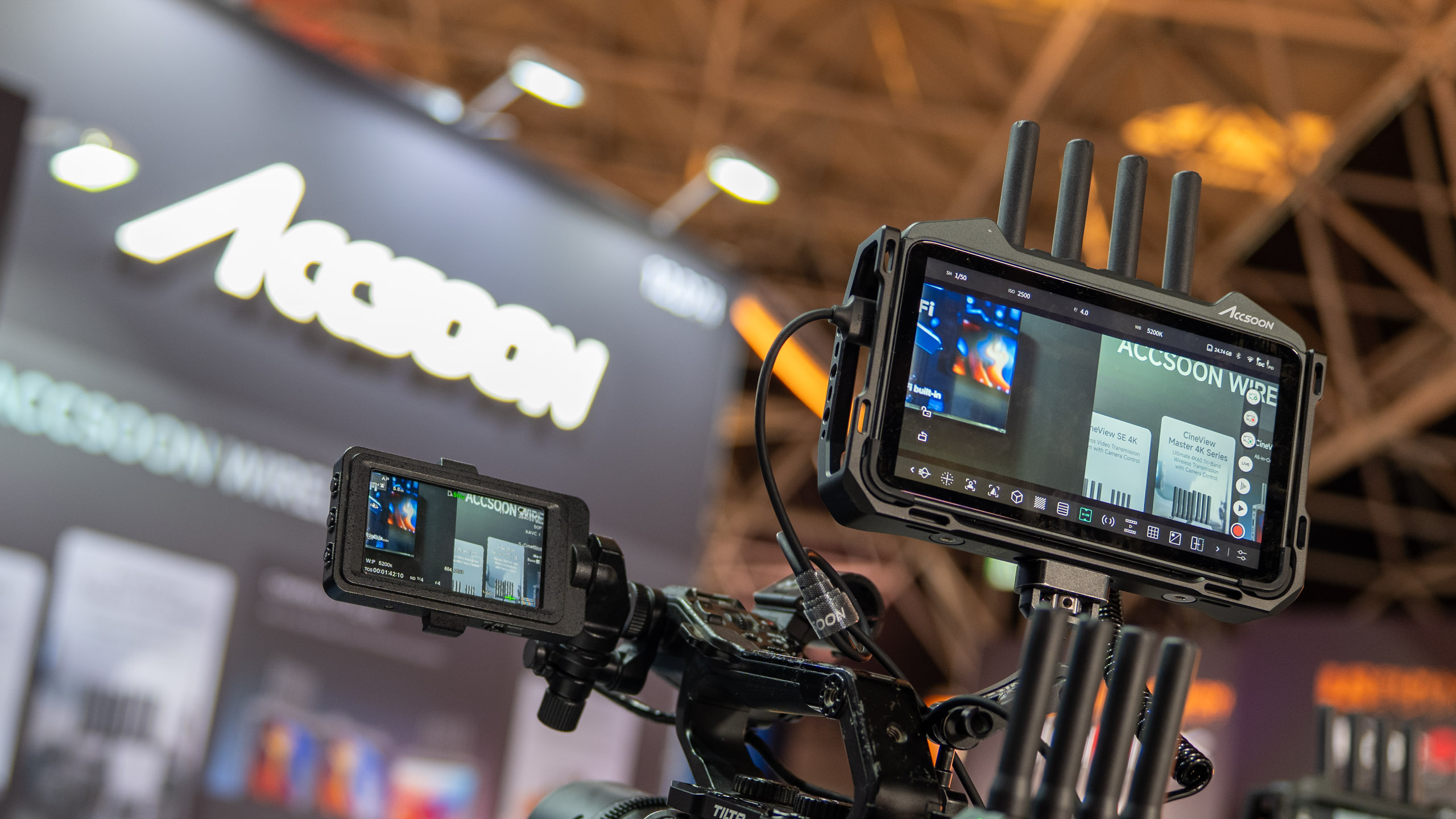
Accsoon CineView M7 Series Updated: Expanded Camera Control and User-Built Android Apps

CineD covers the CineView M7 update that opened the monitor to user-built Android apps, the platform the Accsoon edition of Parallax Monitor runs on.

Read article →
CineD article cover for community-built camera control apps on the Accsoon CineView M7

Accsoon edition

Accsoon CineView M7 Series Gains Community-Built Camera Control Apps for Nikon and RED Cameras

CineD on the Accsoon edition of Parallax Monitor: Nikon ZR and RED exposure, white balance, focus, and record control running directly on the CineView M7.

Read article →

IN PARTNERSHIP WITH

Accsoon

Your camera. Your tools. Now with Accsoon.

Parallax Monitor for CineView M7 is available now. SeeMo support for iPhone and iPad is new in Parallax Monitor 2.1.

Explore both integrations

FAQ

Questions, answered.

Where did ZR Ctl go?

ZR Ctl is now Parallax Monitor on every platform: iPhone, iPad and Android. It is the same app from the same developer. Your purchase carries over and there is nothing to buy again. After the update, the Android app appears under "Parallax Monitor" with a new icon.

How do I control a Nikon ZR remotely?

Install Parallax Monitor on your iPhone, iPad or Android device and connect to the camera over USB, your phone's hotspot, a shared WiFi network, or the camera's own access point. You get live view with scopes, full camera settings, focus control, audio, and camera-card playback — no extra hardware required.

Does Parallax Monitor work with the Nikon Z8 and Z6III?

Yes. Parallax Monitor is built for the Nikon ZR first, and Z8 and Z6III shooters have confirmed it working as a remote monitor and control surface on their bodies. Other Z-series cameras may work too — we'd love to hear your results.

Where can I get Parallax Monitor?

iPhone and iPad: Parallax Monitor is available now on the App Store. Android: Parallax Monitor for Android is available now on Google Play for Android phones and tablets.

Do you offer refunds for paid app purchases?

Yes. Paid app purchases are covered by a 30-day, no-questions-asked full refund promise. Refund requests begin through Apple or Google Play, and support is available if you need help.

How do I apply to beta test Parallax Monitor?

Use the beta tester application to share your iPhone, iPad or Android device, Nikon cameras, shooting background, and email address. Beta access is reviewed from those applications.

Can I shoot stills with Parallax Monitor, or is it video-only?

Parallax Monitor has a full photo mode: dedicated stills control pages for exposure, capture, storage, and focus, a remote shutter from live view, and instant photo review over WiFi.

What monitoring tools are included?

Waveform, histogram, false color with legend, channel-aware traffic lights and goal posts, zebras, focus peaking (including R3D NE workflows), anamorphic desqueeze, custom frame guides, LUT preview with .cube import, and real-time audio meters — with ultra low-latency monitoring over USB.

Ready to take
control?

Get Parallax Monitor on the App Store for iPhone and iPad, or on Google Play for Android phones and tablets. Try it on your rig with no pressure: paid purchases are covered by a 30-day, no-questions-asked full refund promise.

Tutorials

iPhone · iPad · Android · Nikon Z

Watch tutorials
Guided walkthroughs

Learn general controls, exposure tools, customization, and advanced workflows for Parallax Monitor.

Beta Testing

iOS · iPadOS · Android

Apply to beta test
Tester access

Apply with your cameras, device, and shooting background so upcoming builds can be tested on real Nikon setups.